In 2026, understanding your customer is no longer a competitive advantage; it's a fundamental requirement for survival. Yet, many businesses still struggle to collect meaningful, actionable feedback. Generic, uninspired forms lead to low response rates and vague answers, leaving product, marketing, and support teams guessing. The right customer feedback form sample can transform this process from a chore into a strategic asset, providing the raw data needed to refine products, improve customer experience, and drive growth.
This guide moves beyond theory and dives straight into practical application. We have curated a comprehensive collection of customer feedback form samples and templates from leading platforms like Formbot, SurveyMonkey, and Typeform. Each example is broken down with a strategic analysis, highlighting the specific tactics used to engage users and elicit high-quality responses. You'll get actionable takeaways and replicable strategies you can implement immediately. To truly benefit from customer feedback, it's vital to understand how to increase website conversion rate, a goal directly supported by user insights.
Whether you're a product manager optimizing onboarding, a CX leader tracking Net Promoter Score, or a startup founder needing a simple no-code solution, you will find a ready-to-use template here. We provide screenshots and direct links for every example, allowing you to see them in action and find the perfect fit for your specific use case. Forget guesswork; this list provides the tools and insights you need to build feedback forms that customers actually want to complete.
1. Formbot
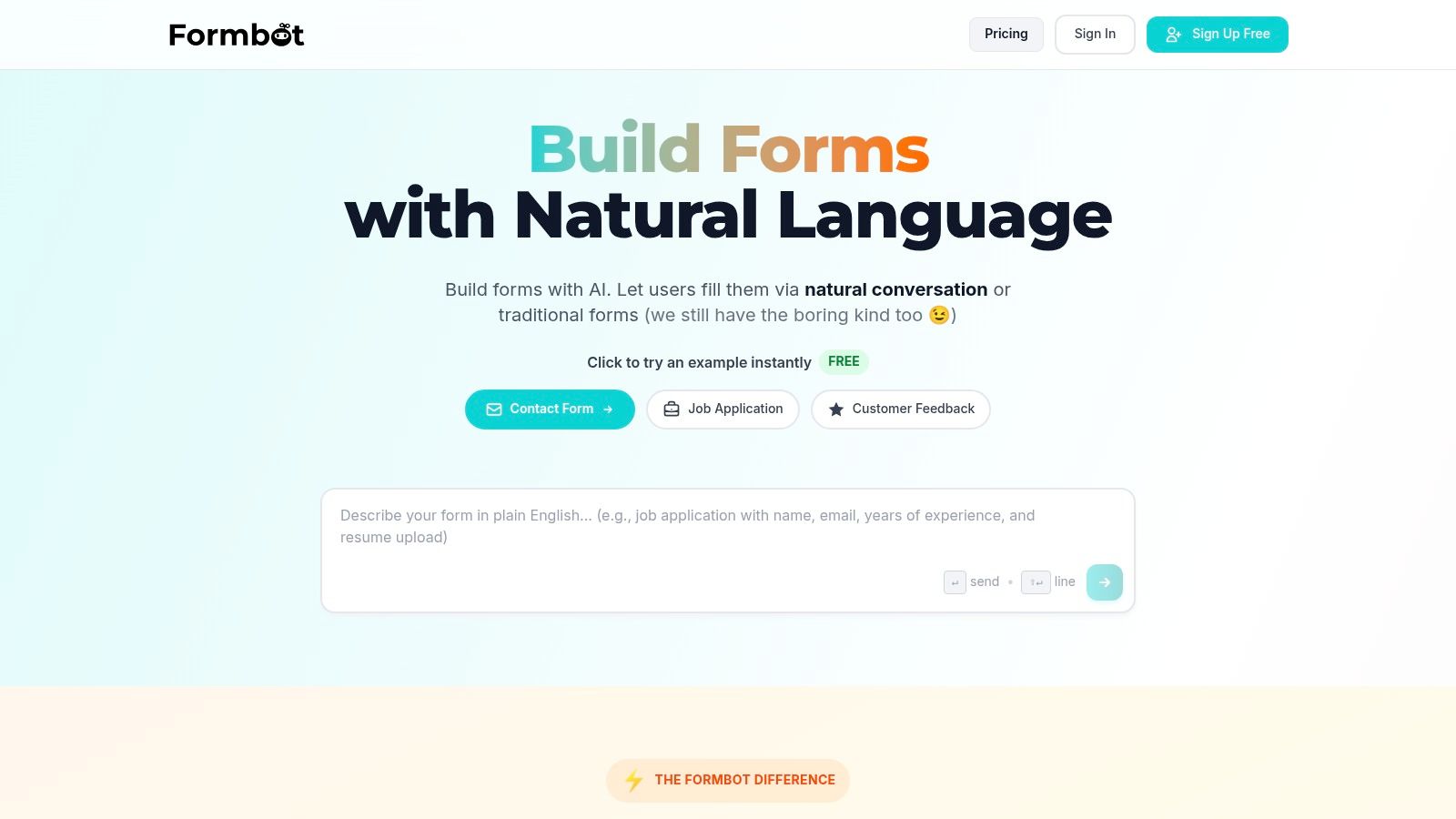
Formbot represents a significant evolution in how businesses can create and deploy a customer feedback form sample, moving beyond static fields to dynamic, conversational experiences. Its core strength lies in its AI-powered, no-code engine that allows users to generate fully functional forms simply by describing their needs in plain English. This innovative approach drastically reduces the time and technical expertise required to build effective feedback mechanisms, making it an exceptional choice for teams focused on agility and high completion rates.
The platform's standout feature is its ability to transform a simple prompt, like "Create a customer feedback form for our new SaaS feature," into an interactive, chat-like survey in seconds. This conversational interface is designed to feel less like a chore and more like a natural dialogue, a crucial advantage on mobile devices where traditional forms often suffer from high abandonment rates.
Strategic Analysis: Why Formbot Excels
Formbot's strategic advantage is its multi-modal deployment. It doesn't force users into a single format. Instead, it offers three distinct experiences that can be matched to the audience and goal:
- Chat-based Mode: An AI-driven conversational flow that is ideal for mobile users and engagement-critical surveys like NPS or post-purchase feedback.
- Guided Mode: Presents one question at a time, minimizing cognitive load and keeping users focused. This is perfect for more detailed feedback where clarity is paramount.
- Classic Form Mode: Provides a traditional layout for users who prefer familiarity or need to see all questions at once.
This flexibility allows product managers, CX teams, and marketers to A/B test different formats and optimize for the highest quality responses. The AI also intelligently processes natural language, extracting key details and only asking follow-up questions when information is missing, which reduces user friction.
Actionable Takeaways & Key Features
For teams looking to implement a superior feedback process, Formbot offers several powerful, replicable strategies.
- Rapid Prototyping: Use the AI generator to instantly create and test multiple versions of a customer feedback form sample. This is perfect for agile marketing and product teams needing quick insights.
- Optimize for Mobile: Default to the chat-based or guided mode for any feedback requests sent via email or SMS to mobile users. This simple change can significantly boost response rates.
- Leverage Templates: Start with one of the 100+ pre-built templates for common use cases like Net Promoter Score (NPS), Customer Satisfaction (CSAT), or post-support surveys. To further explore these options, Formbot provides an excellent overview of different customer feedback form templates and their strategic applications.
| Feature Highlights | Practical Benefit |
|---|---|
| AI Form Generation | Build and deploy a complete form in seconds without any design or coding. |
| Multi-Modal Interface | Choose between chat, guided, or classic layouts to optimize for your audience. |
| Real-Time Analytics | Instantly track submissions and analyze feedback to make faster decisions. |
| Instant Link Sharing | Share forms immediately via a link without needing to set up website hosting. |
Pricing and Availability
Formbot operates on a "start free and scale" model, making it highly accessible. As of 2026, its pricing tiers are designed to support a range of needs:
- Free Plan: Includes 1 form, 25 responses/month, and the AI form generator. Ideal for individuals or small-scale tests.
- Pro Plan ($29/month): Offers 10 forms, 250 responses/month, and removes Formbot branding. A strong choice for small businesses and growing teams.
- Business Plan ($99/month): Provides unlimited forms, 2,500 responses/month, and priority support, catering to established businesses with higher feedback volume.
Website: https://tryformbot.com
2. SurveyMonkey
SurveyMonkey is a giant in the world of online surveys, offering an exceptionally deep library of expert-designed templates and powerful analytical tools. It’s an ideal choice for teams that need to deploy various types of feedback mechanisms at scale, from Net Promoter Score (NPS) and Customer Satisfaction (CSAT) surveys to detailed post-purchase feedback forms. The platform's strength lies in its ready-to-launch solutions that remove the guesswork from survey creation.
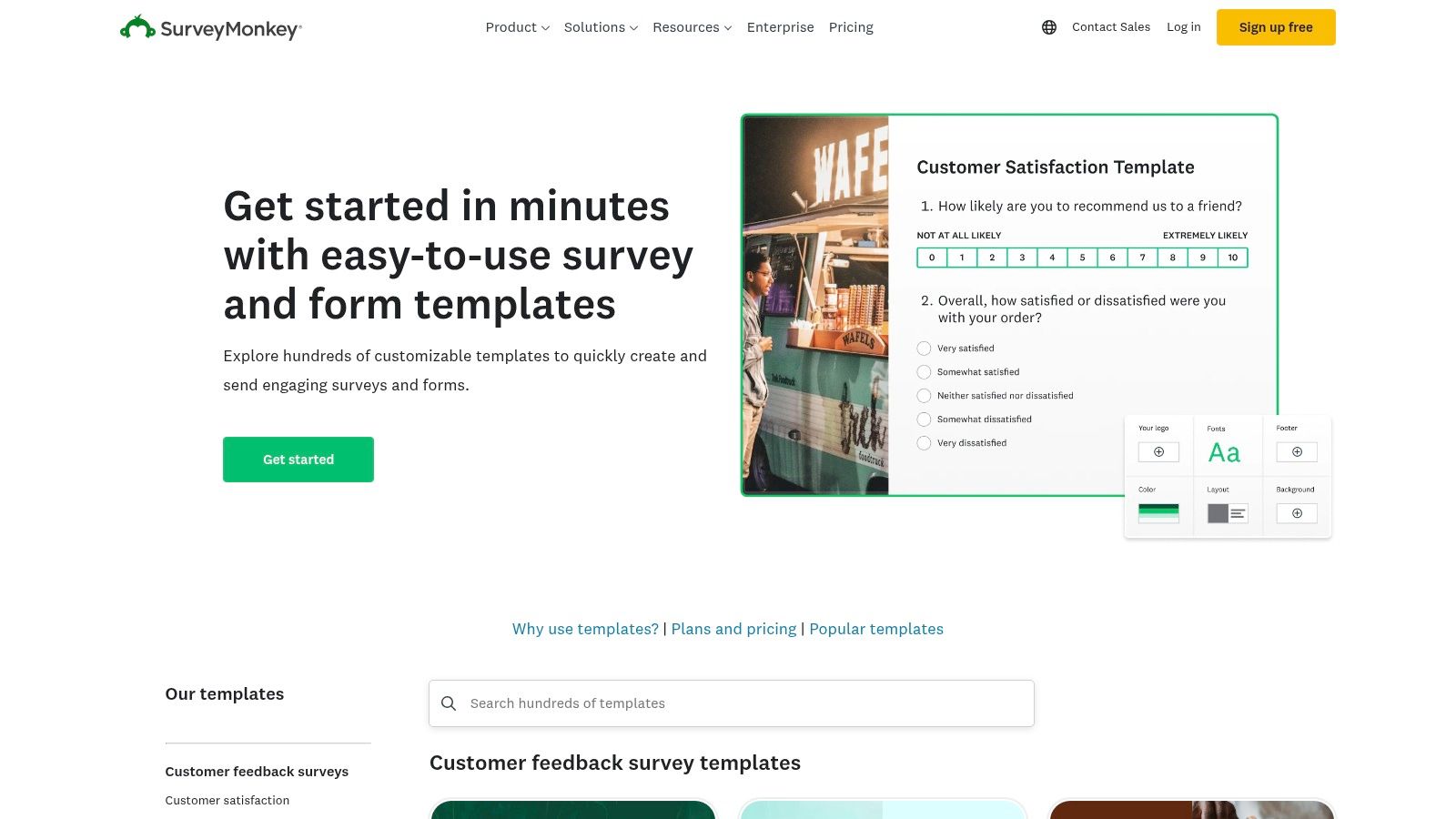
What sets SurveyMonkey apart is the sheer volume and quality of its resources. With over 500 expert templates and a bank of 1,800+ pre-written questions, users can quickly assemble a professional customer feedback form sample that is methodologically sound. This is particularly valuable for teams that may not have a dedicated research expert on staff.
Strategic Analysis & Key Features
SurveyMonkey transitions from a simple form builder to a comprehensive customer intelligence platform. Its features are built to support the entire feedback lifecycle, from creation and distribution to analysis and reporting.
- Vast Template Library: Access professionally designed templates for nearly every use case, including customer loyalty, product development, and market research. This saves time and ensures you're asking the right questions.
- AI-Powered Assistance: SurveyMonkey Genius helps you create better surveys by scoring their effectiveness and offering data-driven recommendations, improving response rates and data quality.
- Advanced Analytics: The platform provides powerful analysis tools like text analysis for open-ended feedback, data visualization dashboards, and crosstabs to segment responses and uncover deeper insights.
- Multi-Channel Distribution: Share your surveys effortlessly via web links, email invitations, social media, or even QR codes to meet your customers where they are.
- Accessibility & Language Support: With WCAG and Section 508 compliant themes, you can ensure your surveys are accessible to all users. Broad language support helps you collect feedback from a global audience.
Pricing and Access
SurveyMonkey operates on a freemium model. The Basic (Free) Plan allows for unlimited surveys but caps questions at 10 per survey and only lets you view a limited number of responses. Paid plans unlock advanced features, remove these limitations, and provide access to more robust analytics and collaboration tools. However, businesses should be mindful of potential per-response overage fees on some paid tiers.
Actionable Takeaways
To make the most of SurveyMonkey, start by exploring their template library to find a customer feedback form sample that aligns with your goals. Even if you build a survey from scratch, reviewing these templates can provide valuable insights into structuring your questions effectively. For a deeper dive into crafting questions that yield clear, actionable data, explore these tips on how to write effective survey questions. Finally, leverage the built-in analytics dashboard to turn raw feedback into strategic business intelligence for your stakeholders.
3. Typeform
Typeform revolutionizes the traditional form by transforming it into an engaging, conversational experience. Its one-question-at-a-time interface feels more like a natural dialogue than a static questionnaire, making it an excellent choice for businesses aiming to boost completion rates and create a lasting positive impression. This approach is particularly effective for mobile users, providing a clean, focused, and interactive way to gather customer insights.
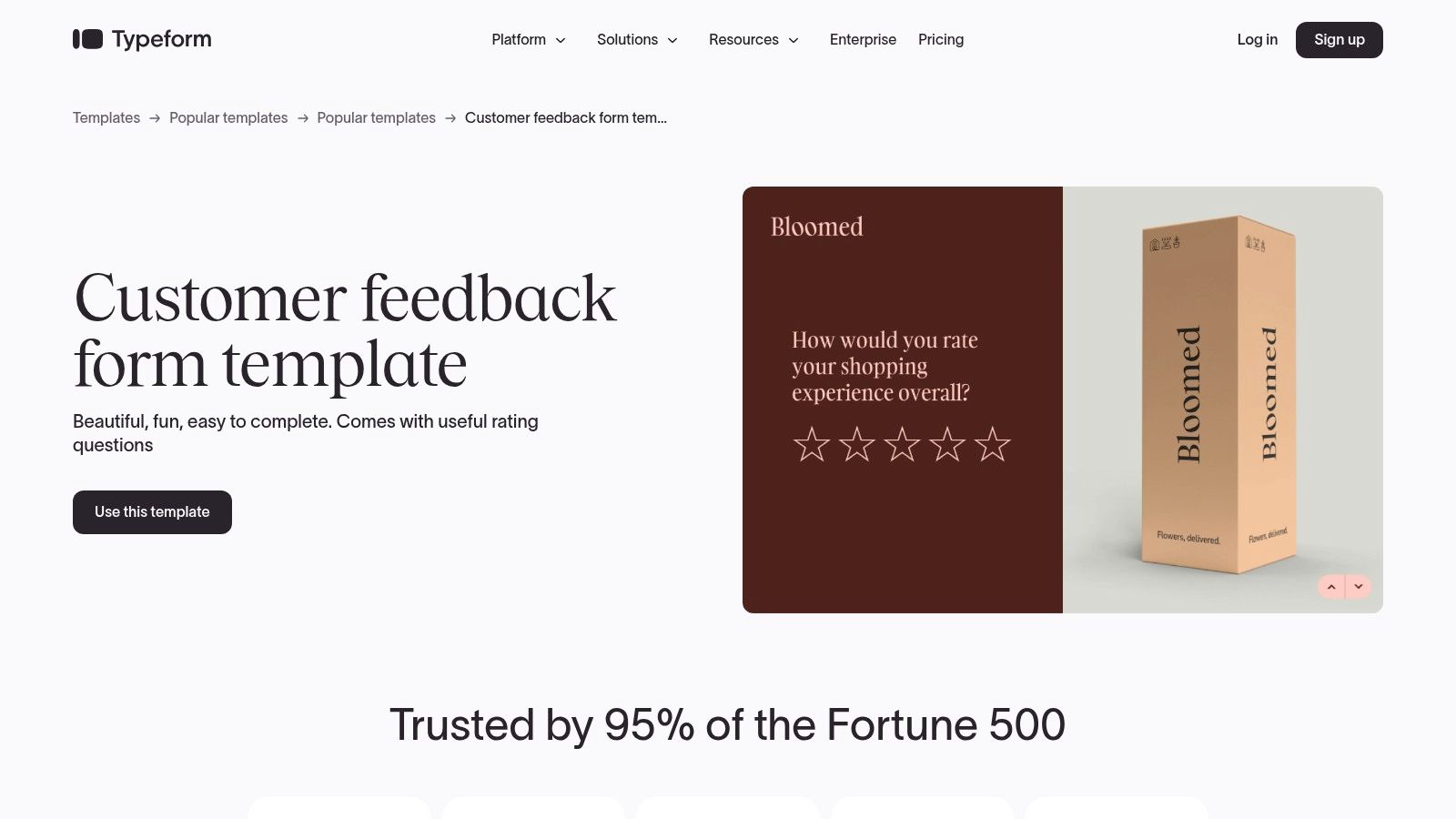
What sets Typeform apart is its unwavering commitment to design and user experience. The platform empowers brands to create beautiful, fully customized forms that feel like a native part of their website or app. By moving away from cluttered, multi-field layouts, Typeform reduces friction and encourages users to complete the entire feedback process, which is critical for collecting a comprehensive customer feedback form sample.
Strategic Analysis & Key Features
Typeform is more than just a pretty interface; it’s a strategic tool designed to maximize engagement and seamlessly integrate feedback into existing business workflows. Its features are built to create a smooth path from question to action.
- Conversational Data Collection: The signature one-question-at-a-time flow makes the feedback process feel less intimidating and more personal, which can lead to higher quality, more thoughtful responses.
- Mobile-First Design: Forms are inherently responsive and look great on any device, ensuring you capture feedback effectively from your entire audience, regardless of how they access it.
- Strong Branding & Customization: Go beyond simple color changes with custom fonts, background images or videos, and unique layouts to ensure your feedback form perfectly matches your brand identity.
- Robust Integration Ecosystem: With over 300 integrations, including Slack, HubSpot, and Zapier, you can automatically send feedback data to the tools your team already uses, streamlining analysis and follow-up actions.
- Template Library: Get a head start with a diverse library of pre-built templates designed for various use cases, from customer satisfaction to event feedback, all easily previewed and customized.
Pricing and Access
Typeform offers a tiered pricing model. A Free Plan is available, which includes unlimited forms and up to 10 questions per form but is limited to 10 responses per month. Paid plans unlock higher response limits, advanced logic, and remove Typeform branding for a more professional look. Businesses should carefully consider their expected monthly response volume when choosing a plan to avoid hitting usage caps.
Actionable Takeaways
To leverage Typeform effectively, begin by browsing its template library for a customer feedback form sample that suits your objective. Use the conversational structure to your advantage by asking follow-up questions based on previous answers with Conditional Logic. This creates a personalized and relevant experience for each user. To connect feedback directly to your operational tools and avoid manual data entry, explore the integrations section and link your Typeform to platforms like your CRM or project management software.
4. Jotform
Jotform is a powerhouse of versatility and speed, offering a massive library of ready-made templates combined with a user-friendly, no-code form builder. It’s an excellent choice for businesses that need to quickly create and deploy customized feedback forms for a wide array of scenarios, from SaaS and e-commerce to service-based industries. The platform excels at providing a strong starting point that can be adapted in minutes without any coding knowledge.
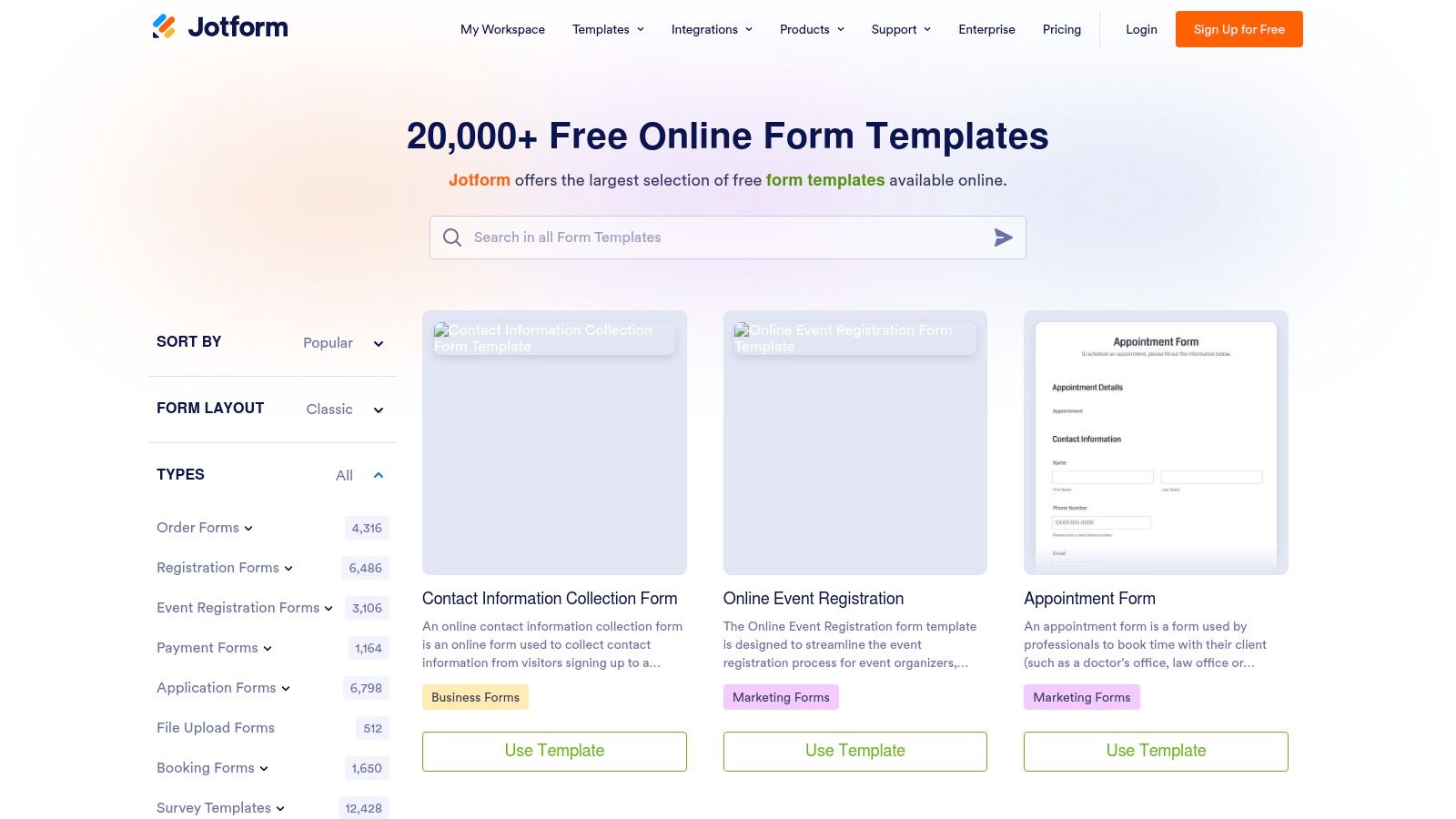
What sets Jotform apart is its sheer volume of templates and the ease of customization. With over 10,000 form templates, users can find a customer feedback form sample that is incredibly close to their needs and then fine-tune it using the intuitive drag-and-drop builder. This combination of variety and simplicity significantly lowers the barrier to collecting high-quality customer insights.
Strategic Analysis & Key Features
Jotform bridges the gap between simple form creation and data management, providing an end-to-end solution for collecting, organizing, and analyzing feedback. Its features are designed for rapid implementation and straightforward analysis, making it accessible for teams of all sizes.
- Massive Template Library: With over 10,000 templates, you can find a starting point for almost any feedback initiative, including pricing feedback, post-event surveys, and product satisfaction forms.
- No-Code Drag-and-Drop Builder: Easily add, remove, or reorder form fields, and implement conditional logic to create dynamic forms that show or hide questions based on user answers.
- Jotform Tables: Responses are automatically organized into a spreadsheet-style database called Jotform Tables. This allows for easy sorting, filtering, and analysis of feedback data without needing to export it to another tool.
- Easy Deployment Options: Embed your forms directly onto your website, share them via a direct link, or use other sharing options to meet customers where they are. Email notifications keep you instantly updated on new submissions.
- Rich Form Fields: Go beyond basic text fields with options for star ratings, scales, file uploads, and electronic signatures to collect more detailed and specific feedback.
Pricing and Access
Jotform offers a free "Starter" plan that is quite generous, allowing users to create up to 5 forms with 100 monthly submissions and 100MB of available space. This makes it highly accessible for small businesses or those just beginning to collect feedback. Paid plans (Bronze, Silver, Gold) scale up these limits on forms, submissions, and storage, while also unlocking advanced features like HIPAA compliance and removing Jotform branding.
Actionable Takeaways
To get started quickly with Jotform, use the search function in their template library to find a customer feedback form sample specific to your industry or goal. Don't be afraid to heavily customize it; the drag-and-drop builder makes it easy to add your company’s branding and tailor questions precisely to your needs. For managing responses, take full advantage of Jotform Tables. Use its filtering and sorting capabilities to segment feedback and identify trends without leaving the platform. This integrated approach ensures you can move from data collection to insight generation seamlessly.
5. Google Forms
Google Forms is a ubiquitous and highly accessible tool for creating simple surveys and forms. Its primary advantage is its cost-free nature for anyone with a Google account and its native integration into the Google Workspace ecosystem. This makes it a go-to choice for small businesses, startups, or internal teams needing a quick and straightforward way to gather customer feedback without any financial investment or steep learning curve. The platform offers a clean interface and a gallery of pre-made templates to get started.
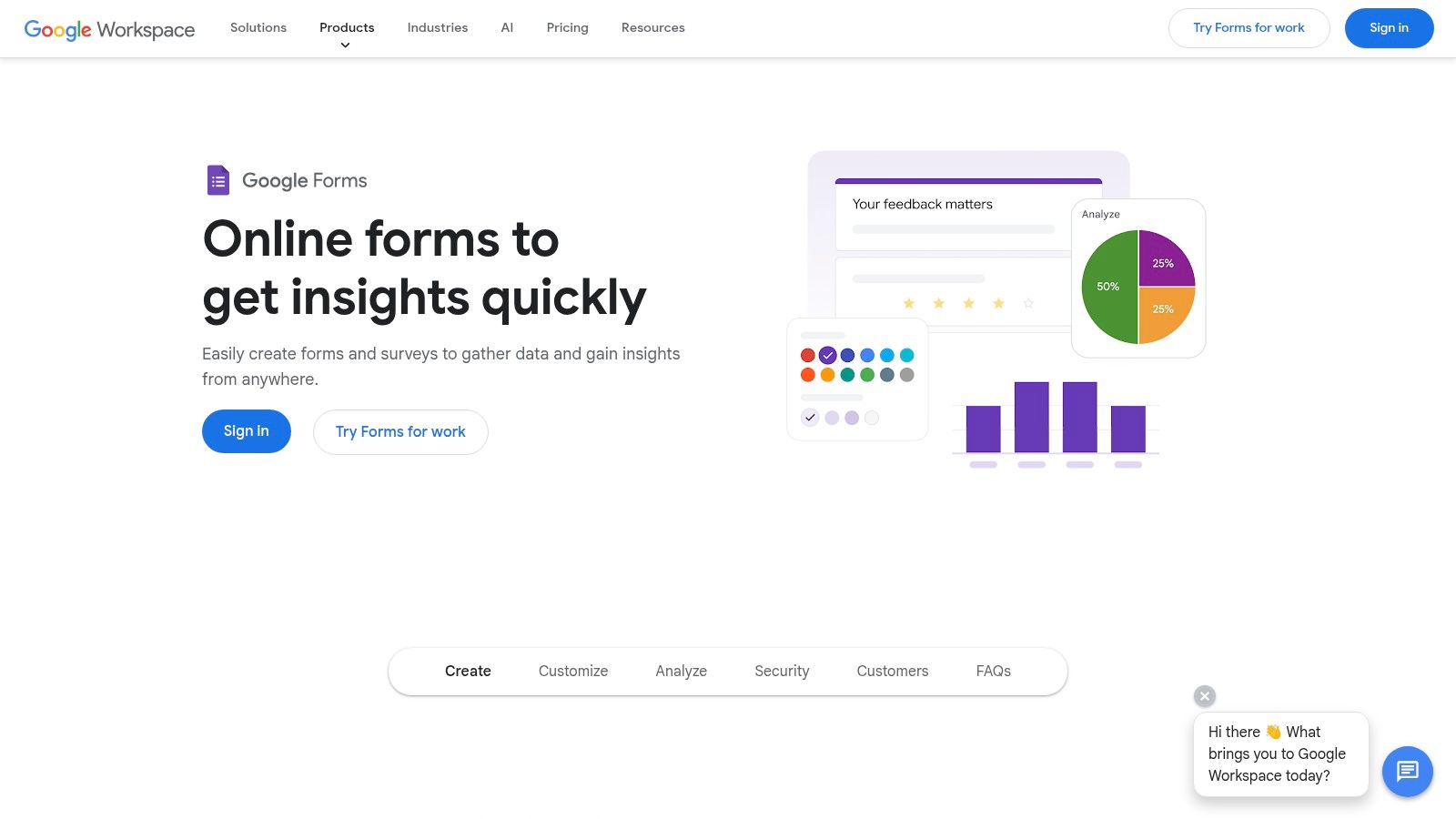
What sets Google Forms apart is its unparalleled simplicity and its seamless connection with Google Sheets. As responses come in, they are automatically populated into a spreadsheet in real-time, allowing for immediate analysis and collaboration. While it lacks the advanced analytical power of specialized survey tools, this direct data pipeline is incredibly efficient for basic data sorting, filtering, and visualization, making a customer feedback form sample from Google Forms a highly practical starting point.
Strategic Analysis & Key Features
Google Forms excels at providing foundational survey capabilities with zero friction. Its feature set is focused on ease of use and effective data collection, making it a reliable tool for straightforward feedback initiatives.
- Free Template Gallery: Google Forms includes a selection of ready-to-use templates, including specific options for customer feedback, event feedback, and order forms. These provide a solid base to build upon.
- Real-Time Google Sheets Integration: This is the killer feature. All responses can be instantly and automatically sent to a Google Sheet, creating a live database of feedback that is easy to share, sort, and analyze with familiar spreadsheet functions.
- Simple Sharing and Embedding: Share your form with a direct link, via email, or embed it directly onto a webpage with a simple HTML snippet. This flexibility ensures you can reach your audience through various channels.
- Basic Customization: Users can add custom logos, change the color palette, and select header images to align the form with their brand identity, though options are more limited than on paid platforms.
- Variety of Question Types: The platform supports multiple-choice, checkboxes, short answer, paragraph, dropdowns, and linear scale questions, covering most standard feedback collection needs.
Pricing and Access
Google Forms is completely free for anyone with a personal Google account. It is also included as a core application within all Google Workspace plans for businesses, with no additional costs, response limits, or feature paywalls. This makes it an incredibly cost-effective solution for gathering essential customer data without impacting the budget.
Actionable Takeaways
To maximize the effectiveness of Google Forms, start by selecting the "Customer Feedback" template from the gallery as your customer feedback form sample. Customize it with your brand's colors and logo for a more professional look. The real power comes from the Google Sheets integration; set up conditional formatting in the linked spreadsheet to automatically highlight negative feedback or specific keywords, allowing your team to spot critical issues instantly. To ensure you get enough responses, it's crucial to optimize your approach; discover effective strategies for boosting survey engagement and completion rates to get the most out of your free forms. Finally, use Google Sheets' charting tools to create simple, shareable dashboards to report key findings to stakeholders.
6. Microsoft Create / Microsoft Forms
For teams deeply integrated into the Microsoft 365 ecosystem, Microsoft Create serves as an excellent starting point for building feedback mechanisms. It provides a straightforward gallery of customer feedback templates that open directly in Microsoft Forms, offering a seamless path from template selection to a fully customizable survey. This makes it an ideal choice for organizations looking to leverage their existing software suite for quick and efficient feedback collection without adding another tool to their stack.
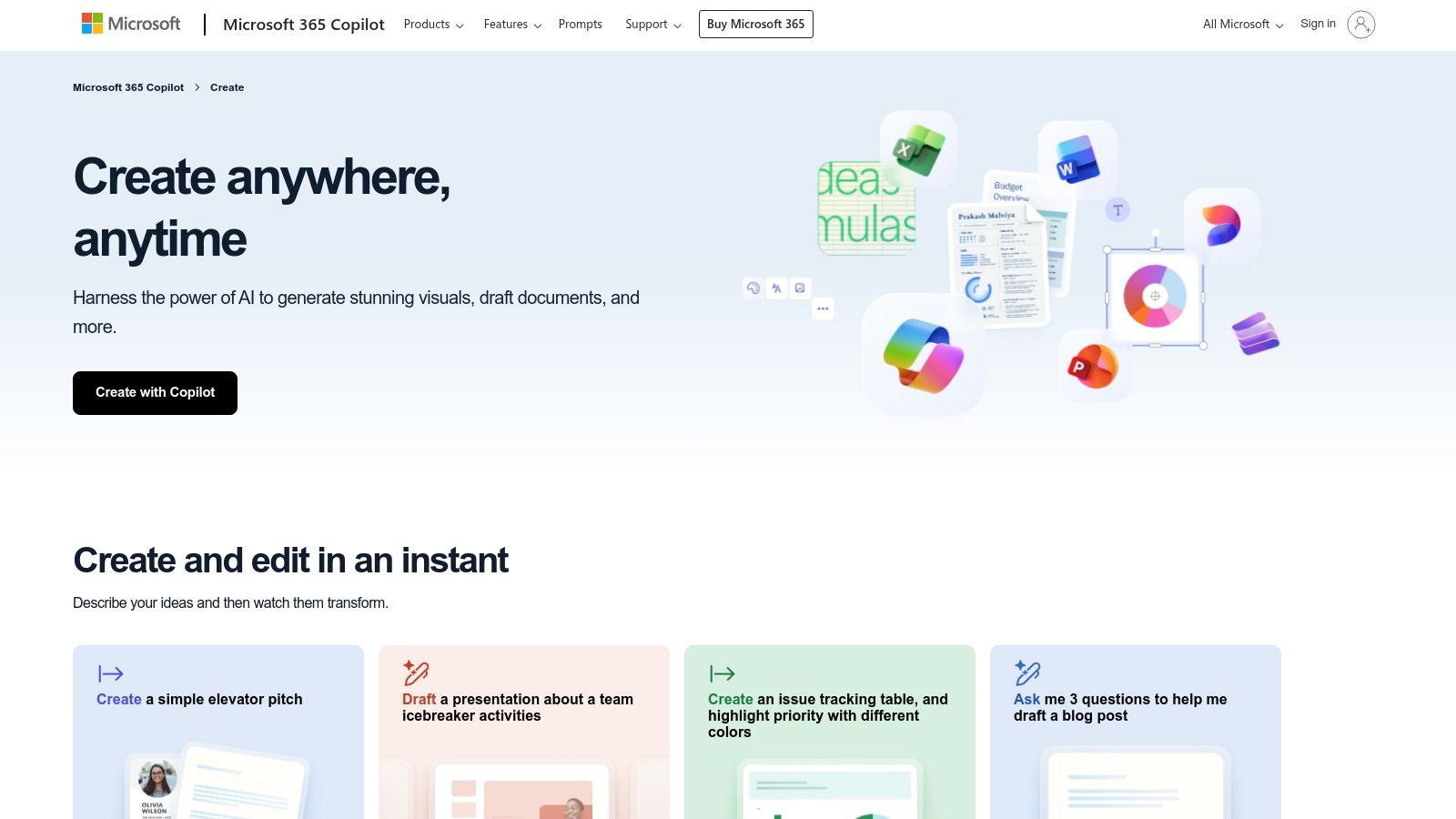
What sets this combination apart is its native integration and simplicity. There’s no complex setup or learning curve for users already familiar with Office applications. The platform is designed for accessibility, allowing non-technical team members to easily select a customer feedback form sample, customize it with their own questions and branding, and deploy it quickly.
Strategic Analysis & Key Features
Microsoft Forms focuses on core functionality, making it a practical tool for gathering direct feedback rather than a complex customer experience (CX) platform. Its features are designed for ease of use and efficient data collection within the Microsoft 365 environment.
- Integrated Template Gallery: Microsoft Create offers dozens of editable templates for customer satisfaction, event feedback, and general surveys, which can be opened and modified in Microsoft Forms with a single click.
- Seamless M365 Integration: As part of the Microsoft 365 family, Forms works effortlessly with other apps. You can easily collect and analyze data in Excel, visualize results, or even embed forms directly into SharePoint pages or Teams channels.
- Simple Customization: The interface is intuitive, allowing users to add various question types (multiple choice, text, rating), apply themes, and set basic branching logic without needing any technical expertise.
- Flexible Sharing Options: Forms can be shared via a link, QR code, or email. You can configure them to collect responses from anyone or restrict them to people within your organization, with options for anonymous submissions.
Pricing and Access
Access to Microsoft Forms is generally included with Microsoft 365 subscriptions, making it a cost-effective solution for existing users. A free version with limited features is also available to anyone with a Microsoft account. However, advanced features like a higher response limit and more robust organizational controls are typically tied to paid business and enterprise subscriptions of Microsoft 365. This makes it a great value for companies already invested in the ecosystem.
Actionable Takeaways
To get started, browse the Microsoft Create template gallery to find a customer feedback form sample that fits your needs. Once in Microsoft Forms, customize the template by adding your company logo and specific questions relevant to your customer journey. For more powerful data analysis, use the "Open in Excel" feature to export all responses into a spreadsheet where you can create pivot tables and custom charts to uncover deeper trends. This approach turns a simple form into a valuable data source within a familiar environment.
7. Etsy
Etsy offers a unique approach for businesses seeking a customer feedback form sample, moving away from dedicated software platforms to a marketplace of creative, downloadable templates. It's an ideal solution for small businesses, artisans, and service providers who need a printable or visually branded form for in-person interactions, package inserts, or digital PDF distribution without committing to a recurring subscription. The platform’s strength is its vast collection of designs crafted by independent creators, offering unparalleled aesthetic variety.
What sets Etsy apart is the focus on tangible, beautifully designed assets rather than interactive online forms. Sellers provide templates commonly editable in Canva, Adobe Illustrator, or as fillable PDFs. This allows a small business owner to quickly purchase, customize with their own branding, and print a professional-looking feedback card to include with product shipments or leave at a point of sale, offering a personal touch that digital-only solutions can't replicate.
Strategic Analysis & Key Features
Etsy serves as a creative asset library rather than a feedback collection tool. Its value lies in providing the foundational design for offline or manually distributed feedback initiatives, empowering businesses to maintain brand consistency across all customer touchpoints.
- Vast Design Variety: Access thousands of templates in countless visual styles, from minimalist and modern to rustic and whimsical. This ensures you can find a form that perfectly matches your brand identity.
- Editable & Brandable Templates: Most listings provide templates for user-friendly platforms like Canva, allowing for easy customization of logos, colors, fonts, and questions without needing advanced design skills.
- Instant Digital Delivery: Once purchased, templates are available for immediate download, enabling you to create and print your feedback forms in minutes.
- Niche & Industry-Specific Designs: Find forms tailored for specific businesses like bakeries, photography studios, cleaning services, and salons, often including relevant, pre-written questions.
Pricing and Access
Etsy operates on a simple, per-template purchase model. There are no subscriptions or recurring fees. The price for a customer feedback form sample is a one-time payment, often ranging from just a few dollars to over twenty, depending on the complexity and comprehensiveness of the template package. This makes it highly accessible for businesses with tight budgets. However, buyers must be aware that there are no built-in analytics; feedback collection and analysis are entirely manual processes.
Actionable Takeaways
To make the most of Etsy, use specific search terms like "customer feedback card" or "printable client feedback form" to narrow down the vast selection. Always read the listing descriptions carefully to understand the file format (e.g., Canva, PDF, JPG) and licensing terms, as these vary by seller. Once you have your template, use it to create a high-quality physical touchpoint that delights customers. For insights on what makes a feedback form truly effective, consider the principles outlined in this guide on creating a survey in 2026 to refine the questions on your chosen Etsy template.
Customer Feedback Form Samples — 7-Tool Comparison
| Tool | Implementation complexity 🔄 | Resource requirements 💡 | Expected outcomes ⭐ 📊 | Ideal use cases | Key advantages ⚡ |
|---|---|---|---|---|---|
| Formbot | Low — no-code, AI-generated flows | Minimal (browser access; free tier available); verify enterprise integrations | Improved completion and faster submissions | Marketing/growth, onboarding, hiring, CX, SMBs | Conversational AI builder, mobile-optimized, fast to launch |
| SurveyMonkey | Medium — template + analytics setup | Paid plans for scale; possible per-response fees | Robust, stakeholder-ready analytics and reports | Large-scale customer research, CX programs, enterprises | Mature analytics, extensive template/question library, accessibility |
| Typeform | Low–Medium — visual builder with design controls | Paid tiers for higher response limits and branding; many integrations | Engaging, high-completion mobile experiences | Branded feedback, marketing campaigns, product research | Modern conversational UX, strong integration ecosystem |
| Jotform | Low — drag-and-drop with conditional logic | Free tier; paid plans for higher limits; large template catalog | Rapid deployment and flexible form behavior for varied needs | Diverse feedback scenarios (SaaS, ecommerce, services) | Very large template library, conditional logic, form tables |
| Google Forms | Very low — basic, straightforward builder | Free with Google account; integrates with Sheets | Simple, reliable feedback collection; limited advanced analytics | No-cost surveys, internal teams, education, Google Workspace users | Free, collaborative, easy-to-use with Sheets export |
| Microsoft Create / Forms | Very low — open templates in Microsoft Forms | Included with Microsoft 365 (some features require subscription) | Quick editable surveys with basic reporting | Organizations on Microsoft 365, internal feedback | Seamless M365 integration and simple deployment |
| Etsy (templates) | Low for purchase; manual setup to deploy | One-time purchase; editing in Canva/PDF; no built-in analytics | Static, brandable forms or printables; no automated insights | Small businesses needing visual/print templates, one-off projects | Affordable one-time templates, wide visual variety and niche designs |
Choosing the Right Tool to Turn Feedback into Growth
Throughout this guide, we've explored a diverse collection of customer feedback form samples, moving beyond generic templates to uncover the strategic thinking behind effective data collection. We analyzed how industry leaders like Etsy master post-purchase feedback, how tools like Typeform and Formbot champion conversational data collection, and how staples like Google Forms offer accessibility for any project. The core lesson is clear: a form is not just a form; it's a critical touchpoint in the customer journey.
The most successful feedback initiatives don't just happen. They are the result of a deliberate strategy that aligns the right questions with the right format and delivers them at the perfect moment. Whether your goal is to calculate a Net Promoter Score (NPS), gather testimonials, or identify product friction points, the how you ask is just as important as the what you ask.
Recapping Your Path to Actionable Insights
As you move from inspiration to implementation, remember the foundational principles we've covered. The best customer feedback form sample is the one you adapt to fit your unique audience and goals.
Key takeaways to guide your strategy include:
- Context is King: The timing and placement of your form dramatically influence response rates. A post-purchase feedback request has a different context than a mid-onboarding check-in.
- Design for Humans: A conversational, mobile-first approach is no longer optional. Reduce friction by using conditional logic, clear language, and interactive elements to keep users engaged.
- One Goal, One Form: Avoid the temptation to ask everything at once. A focused form with a singular objective will yield higher completion rates and more precise data.
- Closing the Loop: Feedback collection is only half the battle. Your process must include a plan for analyzing the data and communicating back to your customers that their voice has been heard.
Selecting the Right Feedback Tool for Your Needs
The tools we've reviewed, from SurveyMonkey to Jotform, each offer unique strengths. Making the right choice depends entirely on your team's specific requirements, technical resources, and budget. When faced with a wide array of options for customer feedback tools, leveraging searchable alternatives platforms can streamline the decision-making process by allowing you to compare features and pricing side-by-side.
Consider these factors as you evaluate your options:
- Integration Capabilities: How well does the tool connect with your existing tech stack (e.g., CRM, email marketing platform, project management software)? Seamless integrations are crucial for automating workflows and turning feedback into immediate action.
- Customization and Branding: Can you tailor the forms to match your brand's look and feel? A consistent brand experience builds trust and professionalism.
- Analytics and Reporting: Does the platform offer robust, easy-to-understand analytics? Look for features like sentiment analysis, data visualization, and export options to make sense of the responses you collect.
- Scalability and Pricing: Consider the long-term picture. A tool that works for 100 responses a month might become too costly at 10,000. Review pricing tiers, like those on the Formbot pricing page, to ensure the tool can grow with you in 2026 and beyond.
Ultimately, the goal is to transform customer feedback from a simple data point into a powerful engine for growth. By thoughtfully selecting your tools and applying the strategic principles from the examples we've dissected, you are well-equipped to build a feedback loop that fuels product innovation, enhances customer satisfaction, and drives your business forward.
Ready to create beautiful, intelligent forms that your customers will actually enjoy filling out? Formbot provides a powerful, no-code platform to build everything from a simple customer feedback form sample to complex, multi-step surveys. Start your free trial of Formbot today and begin turning valuable customer insights into your biggest competitive advantage.