
Forms are the critical gateways for your most important interactions, from capturing leads and processing payments to gathering customer feedback and managing job applications. The right form can feel like a seamless conversation, guiding users effortlessly toward completion. The wrong one creates friction, tanks conversion rates, and leaves valuable data on the table. Finding the best online form builders for your specific needs is not just about aesthetics; it's a strategic decision that directly impacts your bottom line.
This guide is designed to help you make that decision with confidence. We’ve moved beyond generic feature lists to provide a practical, in-depth analysis of the top 12 platforms, including Formbot, Typeform, Jotform, and Google Forms. For each tool, you'll find a detailed breakdown of its ideal use cases, standout features, pricing structures, and honest limitations, complete with screenshots and direct links to get you started.
We'll explore everything from simple contact forms to complex, multi-page surveys with conditional logic. Our goal is to equip marketing teams, product managers, HR professionals, and small business owners with the insights needed to choose a tool that not only collects information but actively improves user experience and business outcomes. When evaluating online form builders, it's essential to consider their ability to help you create and optimize forms; this includes strategies for mastering lead capture forms for higher conversions. Let's dive in and find the perfect form builder to power your next project.
1. Formbot
Best for Conversational Data Collection & AI-Powered Speed
Formbot establishes itself as a powerful and innovative contender among the best online form builders by fundamentally reimagining the data collection process. Instead of relying on traditional drag-and-drop interfaces, Formbot utilizes a sophisticated AI engine. Users can simply describe the form they need in plain English, and the platform instantly generates a fully functional experience, dramatically reducing build time from hours to mere seconds.
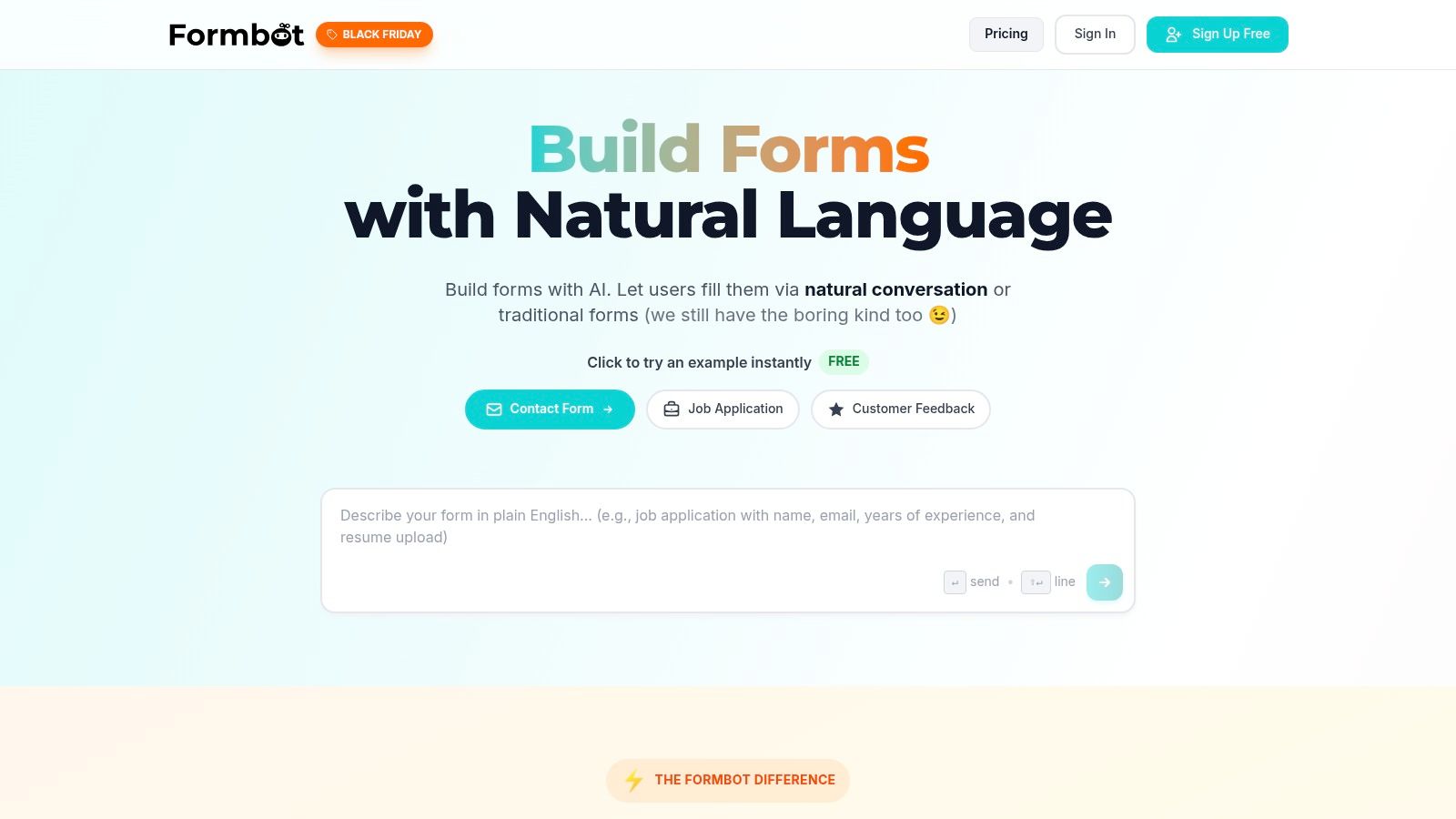
What truly sets Formbot apart is its emphasis on conversational user experience. It can deploy forms as a modern chat-style interface or a guided, one-question-at-a-time flow. This approach makes data submission feel less like a chore and more like a natural dialogue. The system intelligently processes user input, understands natural language, and only asks for information it still needs, which significantly boosts completion rates. According to Formbot, this method can increase form completions by up to 2.5x and speed up submissions by 40%, a critical advantage for mobile users.
Ideal Use Cases & Core Features
Formbot is exceptionally well-suited for teams focused on optimizing user engagement and conversion. Marketing and growth teams can leverage its conversational style for lead generation forms that feel personal and less intrusive. HR and recruiting professionals can create a more welcoming application process, while product and UX designers can gather richer feedback through interactive surveys.
Key features include:
True No-Code AI Generation: Build complex forms just by describing your requirements.
Flexible Interface Modes: Choose between chat, guided one-question flows, or a classic multi-field layout.
High Engagement UI: Conversational flow is designed to maximize completion rates, especially on mobile devices.
Instant Sharing & Analytics: Get a shareable link instantly without needing to configure hosting, and track performance with real-time analytics.
Built-in Security: Comes standard with modern encryption and authentication protocols for secure data collection.
Practical Considerations
While the AI-powered builder and conversational UI are impressive, potential users should note some limitations in the table below.
| Pros | Cons |
|---|---|
| Exceptional Engagement: Conversational UI is reported to significantly boost completion rates and speed. | No custom domains: Custom domains are coming soon but not yet available. |
| Effortless Creation: AI-powered builder creates forms from plain English descriptions in seconds. | Limited Integrations: Third-party app connections and APIs are not available yet, except for webhooks. |
| Versatile Formats: Offers chat, guided, and traditional layouts to fit various needs. | Advanced Logic Limits: Highly complex conditional workflows are coming soon. |
| Secure & Easy to Deploy: Built-in security and instant link sharing make it simple to get started securely. |
Learn more or try Formbot at tryformbot.com.
2. Typeform
Typeform distinguishes itself with a design-first, conversational approach to data collection. Instead of presenting a static list of questions, it shows users one question at a time, creating an interactive, chat-like experience. This format is proven to increase engagement and completion rates, making it an excellent choice for marketers, HR professionals, and customer experience teams who prioritize user experience.
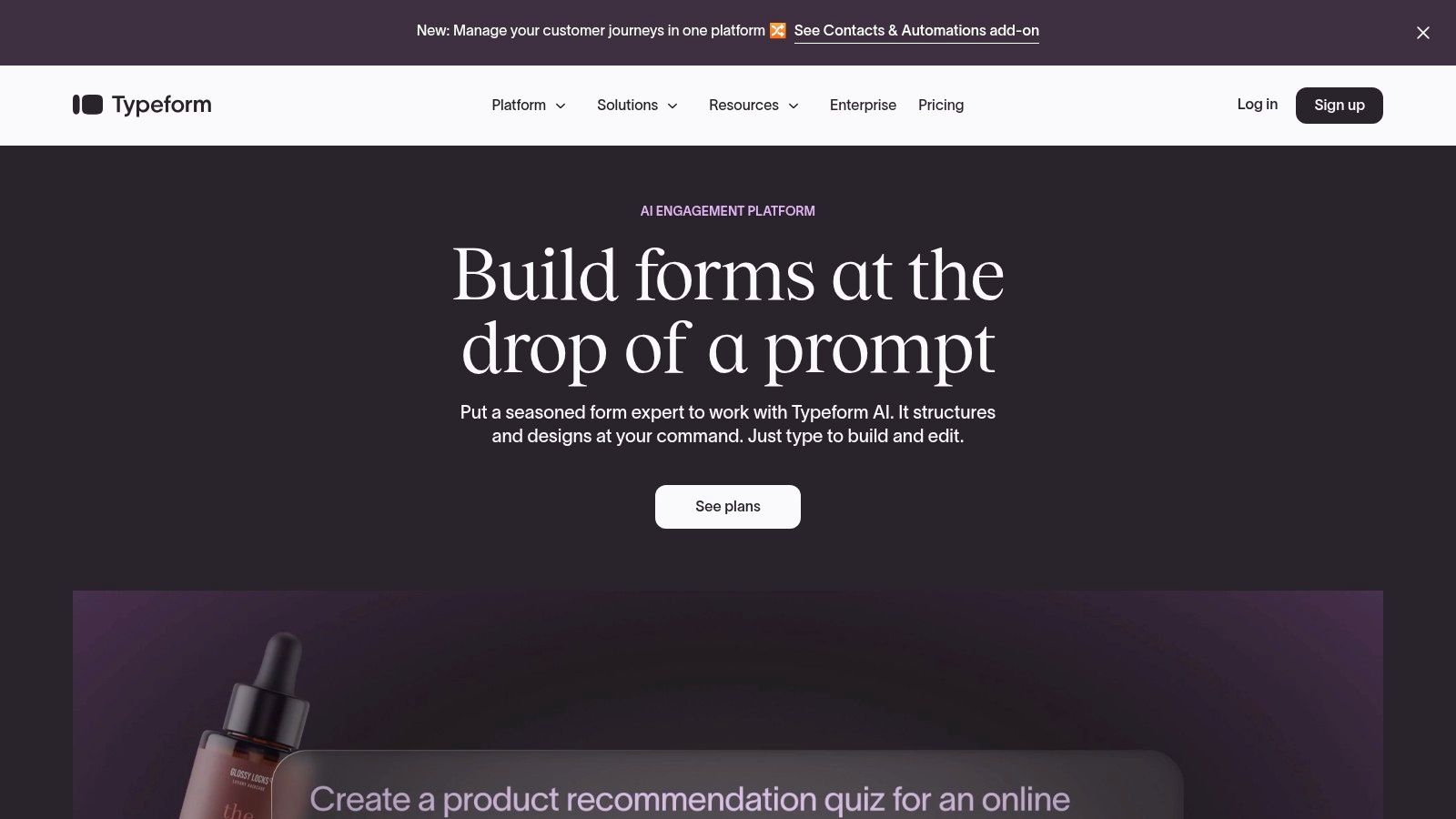
The platform shines in creating visually stunning, on-brand forms that feel less like a chore and more like a conversation. Its strength lies not just in aesthetics but also in powerful features like Logic Jumps, which personalize the user's path based on their answers.
Key Features & Ideal Use Cases
Typeform is more than just a pretty interface; it’s one of the best online form builders for gathering nuanced data. Its "Ask AI" feature can generate forms from a simple prompt, while Smart Insights analyzes open-text responses for themes, saving hours of manual work.
Best For: Lead generation, customer feedback surveys, job applications, and event registrations.
Integrations: Over 300, including connections to Slack, HubSpot, Zapier, and Mailchimp.
Unique Offering: The one-question-at-a-time layout is its signature feature, drastically improving mobile form completion. For a deep dive into crafting effective questions for this format, explore these survey question examples and best practices.
Pricing & Limitations
Free Plan: Includes basic features with a limit of 10 responses per month.
Paid Plans: Start at $25/month (billed annually) for the Basic plan, scaling up to Business and Enterprise tiers which unlock features like HIPAA compliance, custom domains, and higher response limits.
The primary limitation is the response cap on lower-tier plans, which can be restrictive for high-volume use cases. Advanced branding and analytics are also reserved for more expensive subscriptions.
Website: https://www.typeform.com
3. Jotform
Jotform positions itself as a feature-rich, all-in-one data collection platform, moving beyond simple forms to offer comprehensive workflow solutions. Its intuitive drag-and-drop builder, combined with an extensive library of thousands of templates, makes it one of the most accessible and versatile online form builders for teams of any size. It excels at complex data gathering that requires more than just questions and answers.
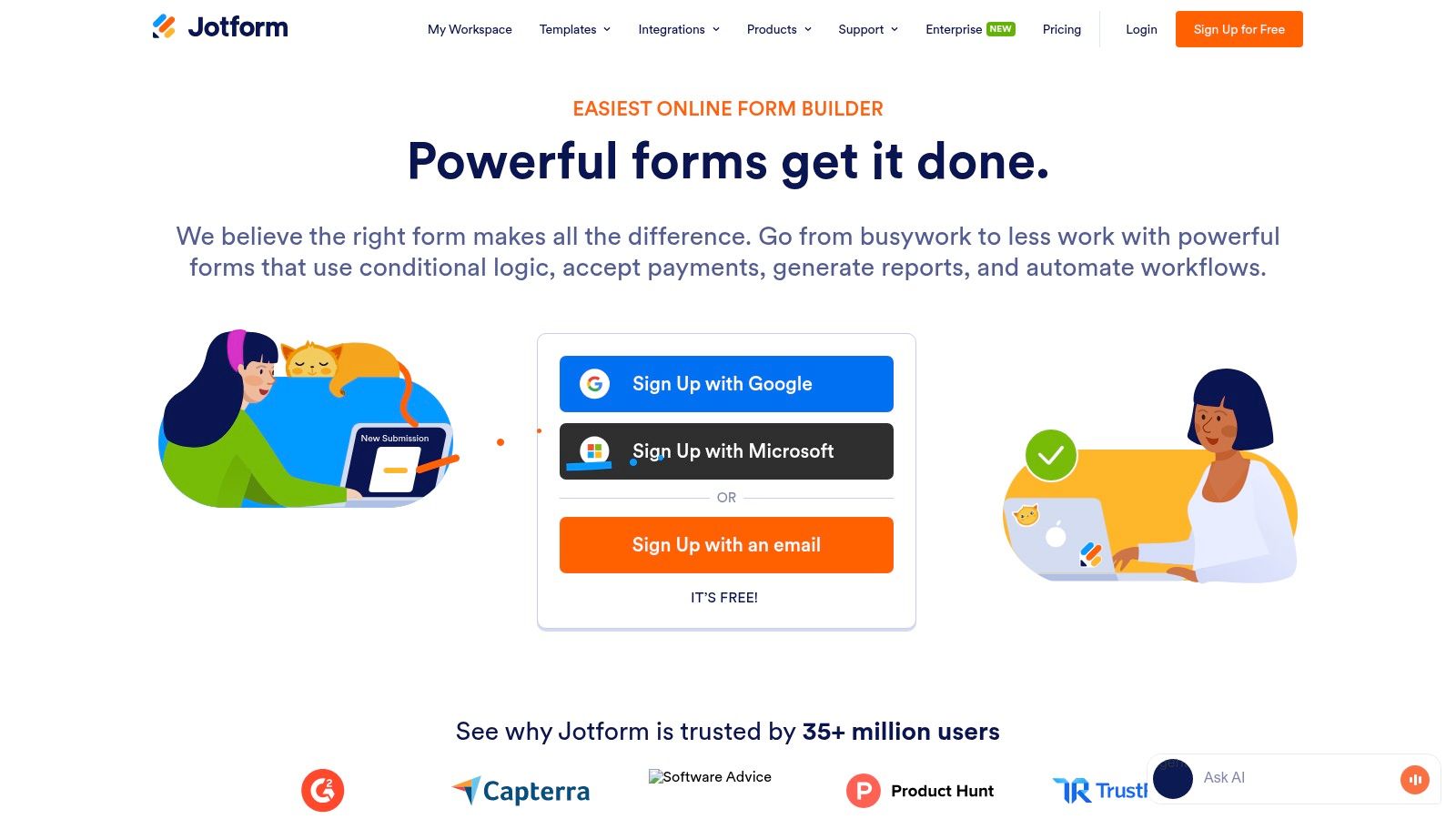
The platform’s strength lies in its ecosystem of connected tools, including built-in payment processing, e-signatures, and automated approval flows. This allows businesses to create seamless end-to-end processes, from initial data entry to final documentation and payment, all within a single environment.
Key Features & Ideal Use Cases
Jotform is a powerhouse for teams that need robust functionality without a steep learning curve. Its powerful tools like Jotform Sign for e-signatures, Jotform Tables for spreadsheet-style data management, and an integrated PDF editor make it ideal for consolidating various business workflows.
Best For: Small businesses needing payment forms, HR departments managing applications, and teams requiring approval workflows or legally binding e-signatures.
Integrations: Over 100 integrations, connecting to major payment gateways like Stripe and PayPal, as well as CRM and project management tools.
Unique Offering: The platform’s extensive template library and powerful widgets are unmatched, providing a ready-made solution for nearly any use case imaginable. Its generous free plan is also a major draw.
Pricing & Limitations
Free Plan: Includes up to 5 forms, 100 monthly submissions, and 100 MB of storage, though forms will display Jotform branding.
Paid Plans: Start at $34/month (billed annually) for the Bronze plan, scaling up to Silver, Gold, and Enterprise tiers for higher limits and features like HIPAA compliance.
The primary limitation is that advanced compliance features are locked behind the more expensive Gold and Enterprise plans. The free tier’s submission and storage limits, while generous, may be quickly outgrown by active businesses.
Website: https://www.jotform.com
4. Google Forms (Google Workspace)
Google Forms is the go-to solution for creating simple, functional forms at no cost. Integrated directly into the Google Workspace ecosystem, it offers a fast and familiar interface for anyone with a Google account. It excels at straightforward data collection tasks where speed and ease of use are more critical than advanced design or marketing features.
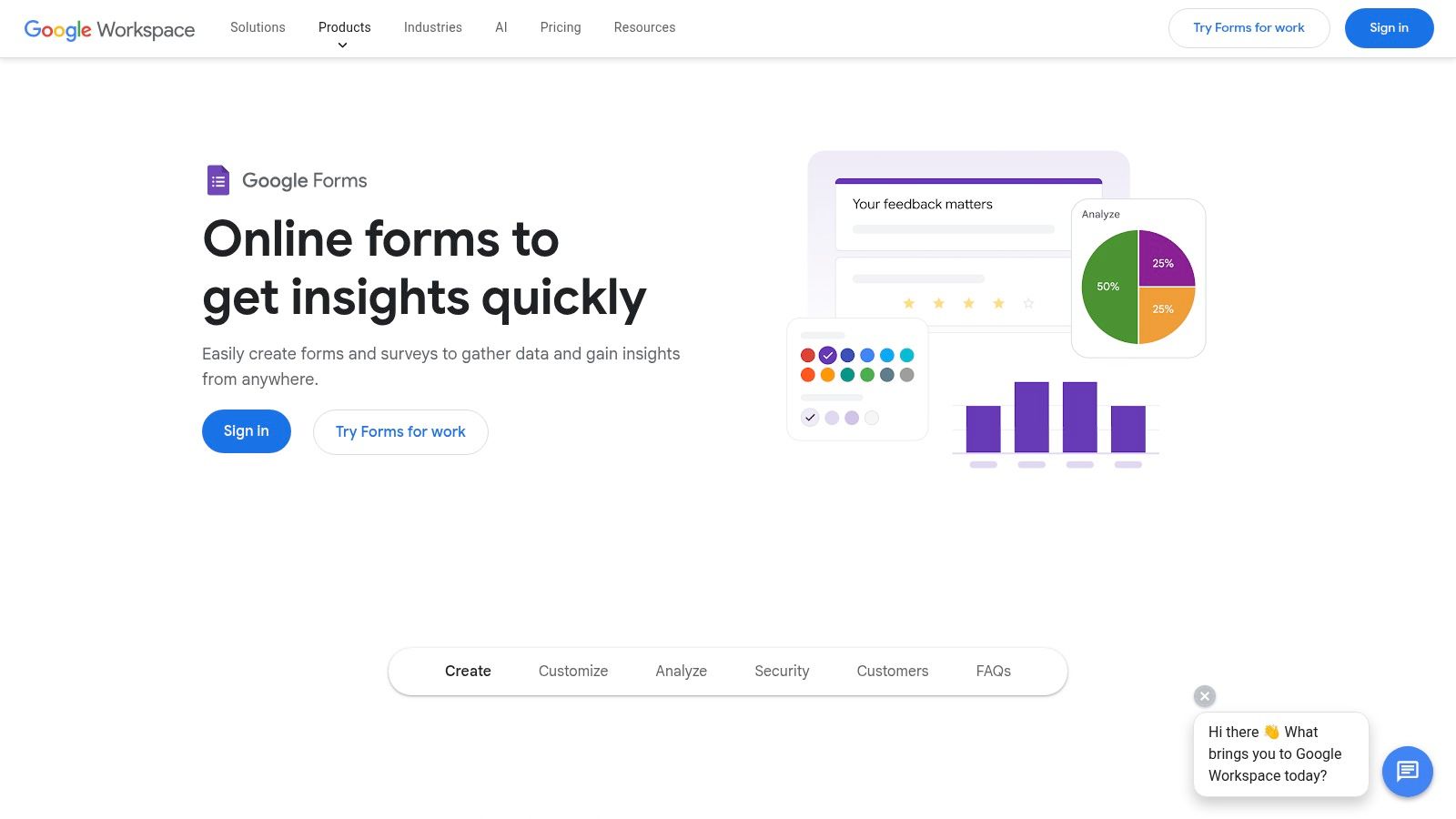
The platform's biggest strength is its seamless connection to other Google products. Responses are automatically collected and organized in Google Sheets, providing a powerful, real-time database for analysis without any complex setup. This makes it an incredibly efficient tool for teams already operating within the Google environment.
Key Features & Ideal Use Cases
While it may seem basic, Google Forms is one of the best online form builders for quick internal surveys and simple data gathering. Its quiz mode automatically grades submissions, making it invaluable for educators and trainers. Basic conditional logic (branching) allows for slightly more tailored user paths.
Best For: Internal team surveys, simple event RSVPs, academic quizzes, and basic contact forms.
Integrations: Natively connects with Google Sheets, Drive, and the rest of the Google Workspace. Further integrations are possible via third-party add-ons.
Unique Offering: Its unbeatable price point (free) and native integration with Google Sheets make it the most accessible and frictionless option for quick deployment.
Pricing & Limitations
Free Plan: Completely free with a personal Google account, offering unlimited forms and responses.
Paid Plans: Included with Google Workspace business plans (starting at $6/user/month), which adds enhanced security, administration, and support.
The primary limitation is its lack of design customization; forms have a distinctly "Google" look that is hard to brand. It also lacks the sophisticated analytics, payment processing, and direct marketing integrations found in specialized premium builders.
Website: https://workspace.google.com/products/forms/
5. Microsoft Forms
Microsoft Forms is a straightforward and efficient tool for creating surveys, quizzes, and polls. Its primary strength lies in its seamless integration with the Microsoft 365 ecosystem, making it the default choice for organizations already invested in Microsoft's suite of productivity tools. This tight integration allows for easy data collection within Teams, SharePoint, and other Office applications.
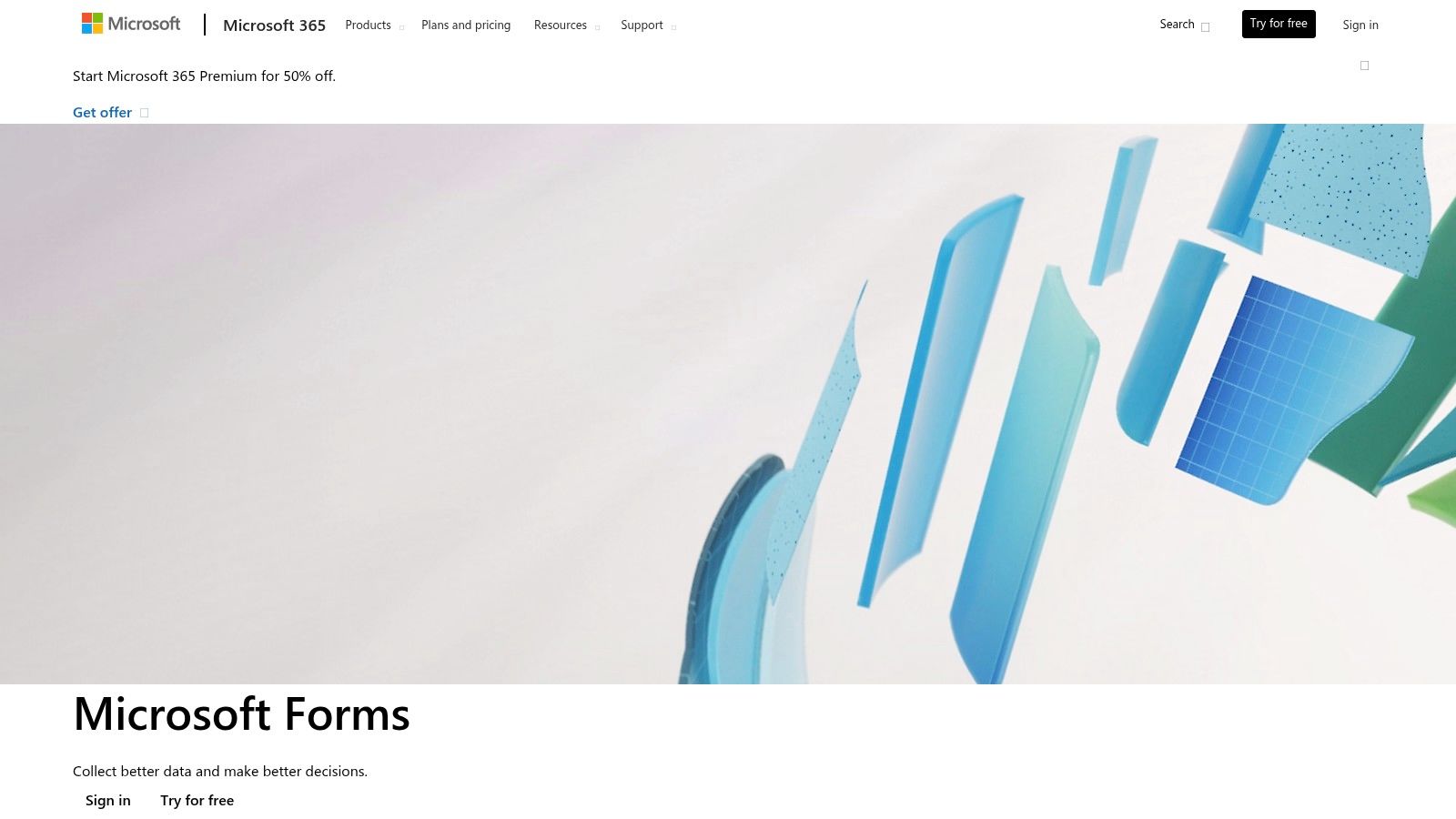
The platform prioritizes simplicity and function over aesthetic flair, providing a clean interface that is easy for anyone to use without training. While it lacks the advanced design customization of competitors, its ability to quickly export data to Excel for analysis makes it a practical and powerful tool for internal data gathering.
Key Features & Ideal Use Cases
As one of the best online form builders for internal use, Microsoft Forms excels at creating quick assessments and gathering immediate feedback. Its quiz functionality with automatic scoring is particularly useful for educational and training purposes, while branching logic allows for simple customized user paths.
Best For: Internal company surveys, employee feedback, quick polls in Teams, simple quizzes for training, and IT support requests.
Integrations: Deeply integrated with Microsoft 365, including Excel, SharePoint, Teams, and Power Automate for creating workflows.
Unique Offering: The native connection to Excel is its standout feature. All responses can be viewed in a live, automatically updated spreadsheet, simplifying data analysis for business users.
Pricing & Limitations
Free Plan: Available for free with a personal Microsoft account.
Paid Plans: Included at no extra cost with most Microsoft 365 Business and Education subscriptions.
The main limitation is its lack of advanced design flexibility and customization, which makes it less suitable for external, brand-focused marketing campaigns. Advanced reporting and analytics also depend on leveraging other Microsoft tools like Power BI.
Website: https://forms.office.com
6. Formstack
Formstack is an enterprise-grade data collection suite designed for organizations that require robust automation, compliance, and deep integration. More than just a simple form tool, it offers a powerful platform that combines forms, document generation, and e-signatures into a single, cohesive workflow. This makes it ideal for regulated industries like healthcare, finance, and legal, where data security and process automation are critical.
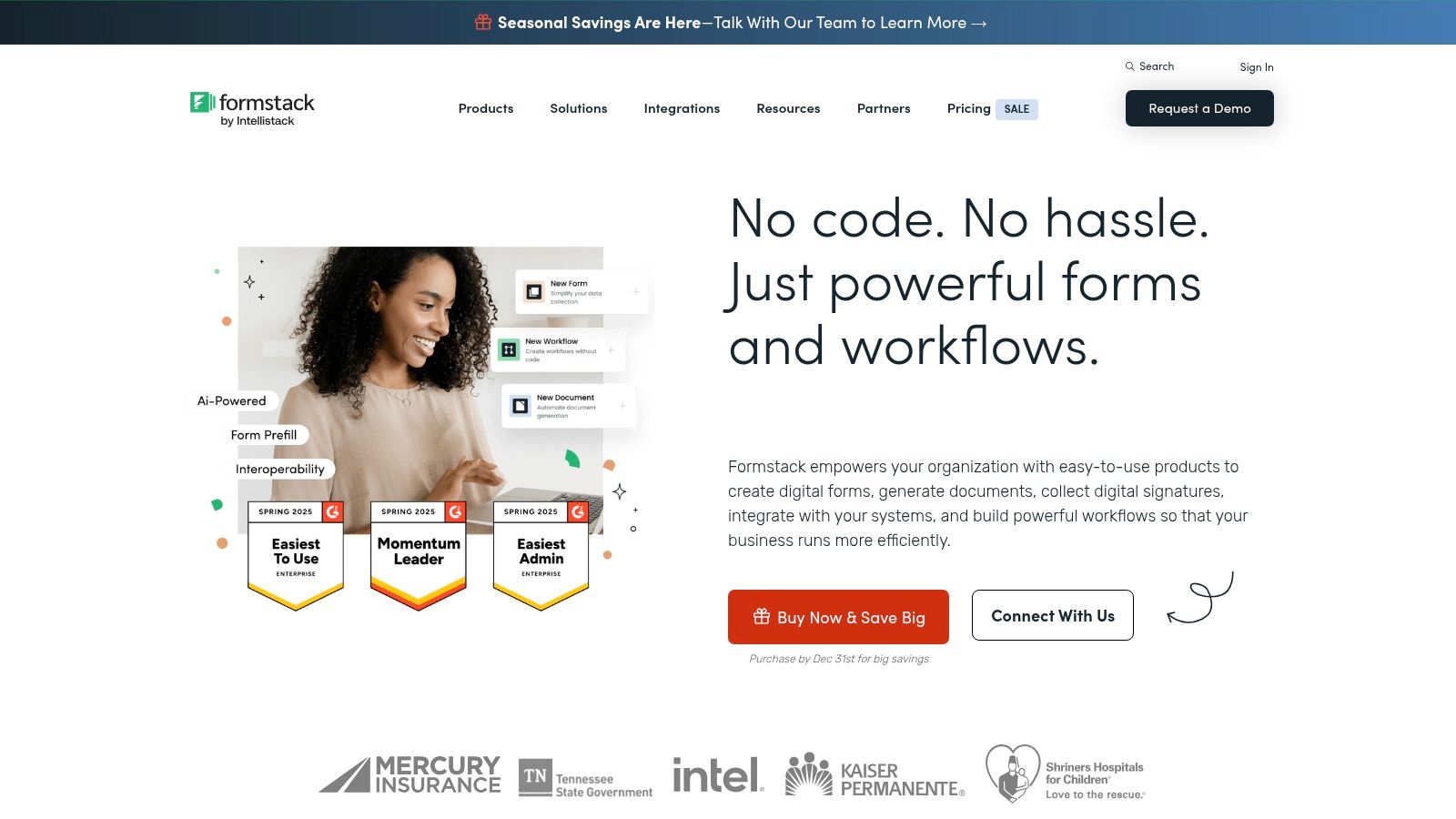
The platform's strength lies in its ability to manage the entire data lifecycle. A user can fill out a form, which then automatically populates a contract (Documents) and sends it for legally binding e-signature (Sign), all without manual intervention. Its native Salesforce integration is a major differentiator, allowing for seamless data mapping and process automation within the CRM.
Key Features & Ideal Use Cases
Formstack is one of the best online form builders for teams that need to go beyond simple data collection and build complex, automated workflows. Features like conditional logic, approval workflows, and data routing allow businesses to streamline internal processes, from client onboarding to HR requests.
Best For: Healthcare patient intake, financial services applications, internal HR approvals, and complex multi-step data collection processes.
Integrations: Offers a native Salesforce edition, plus integrations with major payment gateways, CRMs, and hundreds of other apps via connectors.
Unique Offering: The all-in-one suite (Forms, Documents, Sign) provides a unified solution for end-to-end workflow automation, a feature unmatched by most simpler form builders.
Pricing & Limitations
Free Plan: No free plan available, but a 14-day free trial is offered.
Paid Plans: Pricing starts at $50/month (billed annually) for the Forms-only plan, with suites including Documents and Sign costing more. Enterprise and HIPAA-compliant plans are available at custom pricing.
The primary limitation is its cost, which places it out of reach for individuals or small businesses with basic needs. The comprehensive feature set can also present a steeper learning curve compared to more straightforward tools.
Website: https://www.formstack.com
7. Wufoo (by SurveyMonkey)
Wufoo, now part of the SurveyMonkey family, is one of the original players in the online form builder space. It offers a straightforward, no-frills approach to creating functional forms with a user-friendly drag-and-drop interface. Its reliability and simplicity make it a solid choice for users who need to deploy standard forms for data collection, event registrations, or contact requests without a steep learning curve.
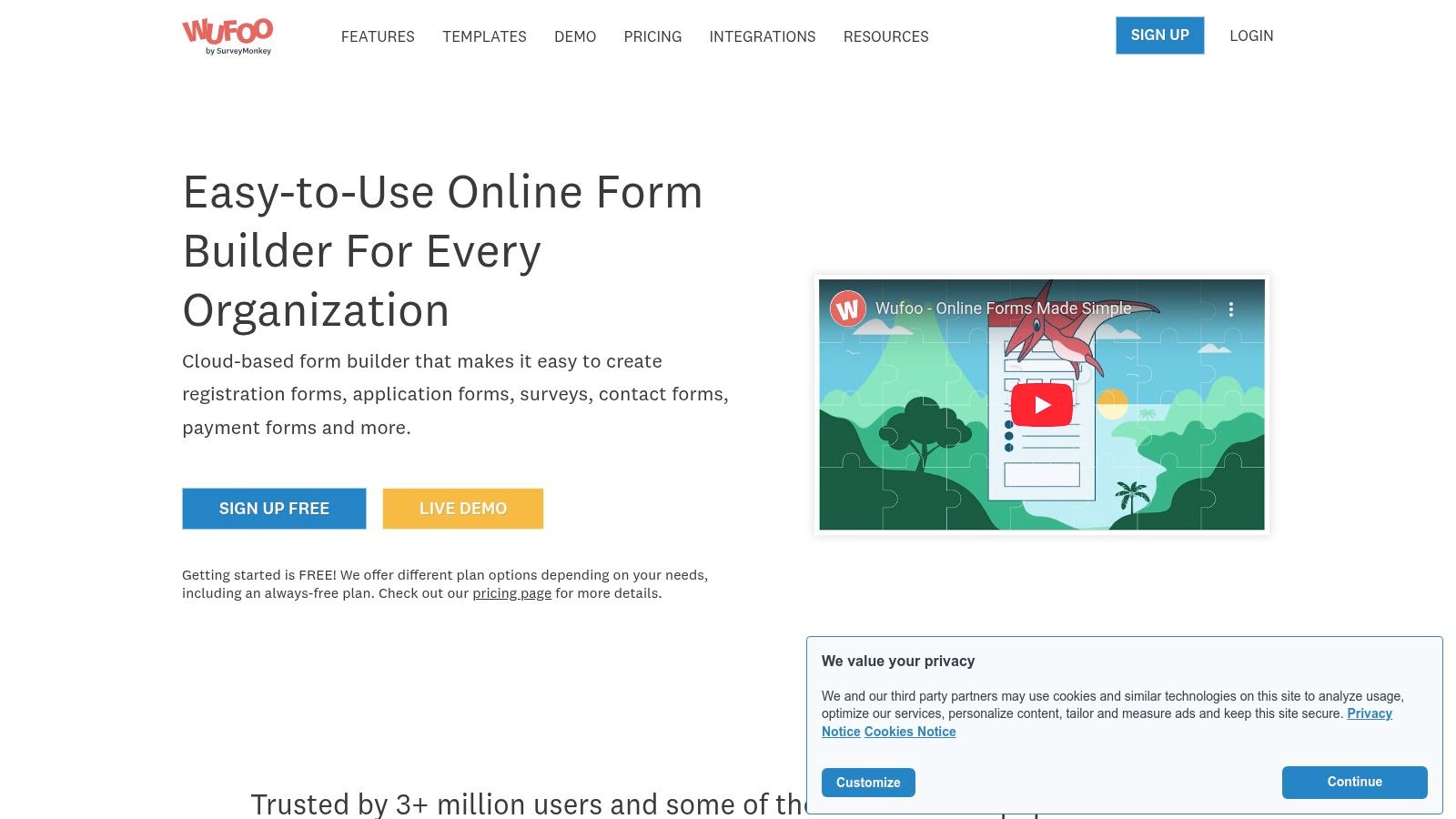
The platform focuses on core functionality, providing dependable tools for building forms, generating reports, and receiving notifications. While its interface may appear dated compared to modern alternatives, its strength lies in its proven track record and the robust infrastructure of SurveyMonkey backing it.
Key Features & Ideal Use Cases
Wufoo is among the best online form builders for those prioritizing speed and ease of use over advanced design customization. It excels at creating practical forms that get the job done efficiently, with features like payment integration and basic analytics tracking built in.
Best For: Simple contact forms, event RSVPs, online order forms, and basic surveys for small businesses or educational institutions.
Integrations: Connects with dozens of popular apps, including payment gateways like Stripe and PayPal, as well as CRM and marketing automation tools.
Unique Offering: Its reporting engine is a key benefit, allowing users to quickly create custom reports, charts, and graphs from submitted data without needing to export it to another program.
Pricing & Limitations
Free Plan: Allows for 5 forms, 10 fields, and 100 entries per month.
Paid Plans: Start at $14.08/month (billed annually) for the Starter plan, scaling up to Professional, Advanced, and Ultimate tiers which increase form, entry, and storage limits significantly.
The primary limitation is its dated user interface, which lacks the modern aesthetic and conversational flow of newer competitors. Furthermore, many advanced features such as field encryption and payment processing are restricted to the higher-priced subscription tiers, which may not be ideal for users on a tight budget needing those capabilities.
Website: https://www.wufoo.com
8. Paperform
Paperform offers a unique, document-style approach to form building, empowering users to create beautiful forms and landing pages that feel native to their brand. Its free-text editor allows for incredible flexibility, moving beyond rigid blocks to let you add questions, text, images, and videos anywhere on the page. This makes it ideal for businesses that need more than just a form but a complete, branded page for orders, bookings, or lead capture.
The platform excels where complex calculations and e-commerce-like functionality are required. Its powerful calculation engine is perfect for generating instant quotes, processing complex orders, or calculating registration fees, blending the line between a form and a lightweight e-commerce solution.
Key Features & Ideal Use Cases
Paperform is one of the best online form builders for creating polished, single-page solutions without needing a developer. It combines aesthetic freedom with robust backend logic, making it a versatile tool for a wide range of business needs, from simple contact forms to sophisticated checkout processes.
Best For: Small businesses, consultants, and agencies creating quote forms, product order pages, event registrations, and appointment bookings.
Integrations: Over 2,000 connections through direct integrations and automation platforms like Zapier, connecting to tools like Stripe, PayPal, Square, and Google Calendar.
Unique Offering: The powerful, built-in calculation engine allows for sophisticated logic, enabling dynamic pricing, scoring for quizzes, and real-time quote generation directly within the form.
Pricing & Limitations
Free Plan: Not available, but all plans start with a 14-day free trial.
Paid Plans: The Essentials plan starts at $20/month (billed annually), offering unlimited forms and 1,000 submissions. Pro and Agency tiers unlock more advanced features like e-signatures, dynamic success pages, and priority support.
A key limitation is that its interface, while flexible, has a slightly steeper learning curve than simpler, block-based builders. Additionally, while highly capable, its enterprise-level compliance and SSO options are less extensive than a platform like Formstack.
Website: https://paperform.co
9. Cognito Forms
Cognito Forms is a powerful and flexible solution that excels at complex data collection and workflow automation. It strikes a unique balance between user-friendliness and advanced functionality, making it ideal for businesses that have outgrown simpler tools but don't require an enterprise-level platform. It allows for unlimited forms on all plans, including the free tier, focusing instead on entry limits and feature access.
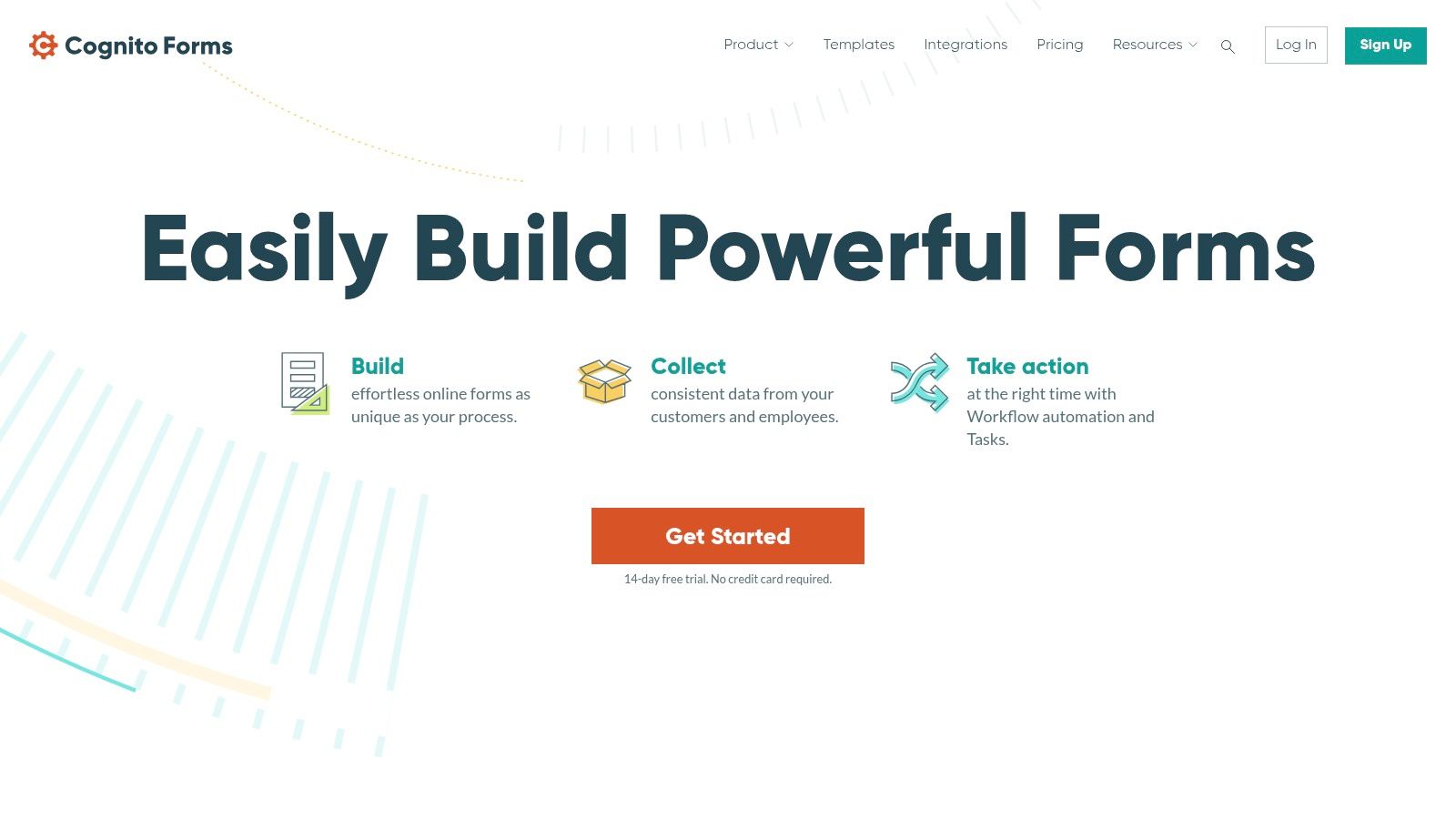
The platform is engineered for robust data management, offering features like calculations, conditional logic, and repeating sections. Its ability to generate documents from form entries, such as contracts or invoices, and its seamless payment integrations make it a workhorse for operational business processes.
Key Features & Ideal Use Cases
Cognito Forms stands out as one of the best online form builders for creating data-driven workflows and calculations. It allows users to build sophisticated forms that can manage inventory, calculate quotes, and process payments without extensive technical knowledge. The built-in entry management system acts as a lightweight database, enabling users to view, sort, and export data with ease.
Best For: Order forms, registration forms with payment, data-heavy surveys, internal business workflows, and applications.
Integrations: Connects with thousands of apps via Zapier, Make, and Microsoft Power Automate, plus offers direct integrations with tools like Google Analytics and Stripe.
Unique Offering: Its robust calculation engine and document-generation capabilities are standout features, allowing businesses to automate complex quoting and invoicing directly from form submissions.
Pricing & Limitations
Free Plan: A generous free Individual plan includes unlimited forms, 500 entries per month, and 100MB of storage.
Paid Plans: The Pro plan starts at $15/month, offering 2,000 monthly entries and 1GB of storage. Team and Enterprise plans scale up from there, adding more users, higher entry limits, and HIPAA compliance.
The main limitation is that while the core product is feature-rich, some advanced capabilities like high-volume API access and guest user permissions for entry management require separate, tiered add-ons.
Website: https://www.cognitoforms.com
10. Tally
Tally redefines the form-building landscape with its powerful, Notion-like interface and an exceptionally generous free plan. It allows users to build forms as easily as writing a document, simply typing and using slash commands to add blocks. This approach makes it a favorite among creators, startups, and teams deeply integrated with tools like Notion and Airtable who need a flexible, cost-effective solution.
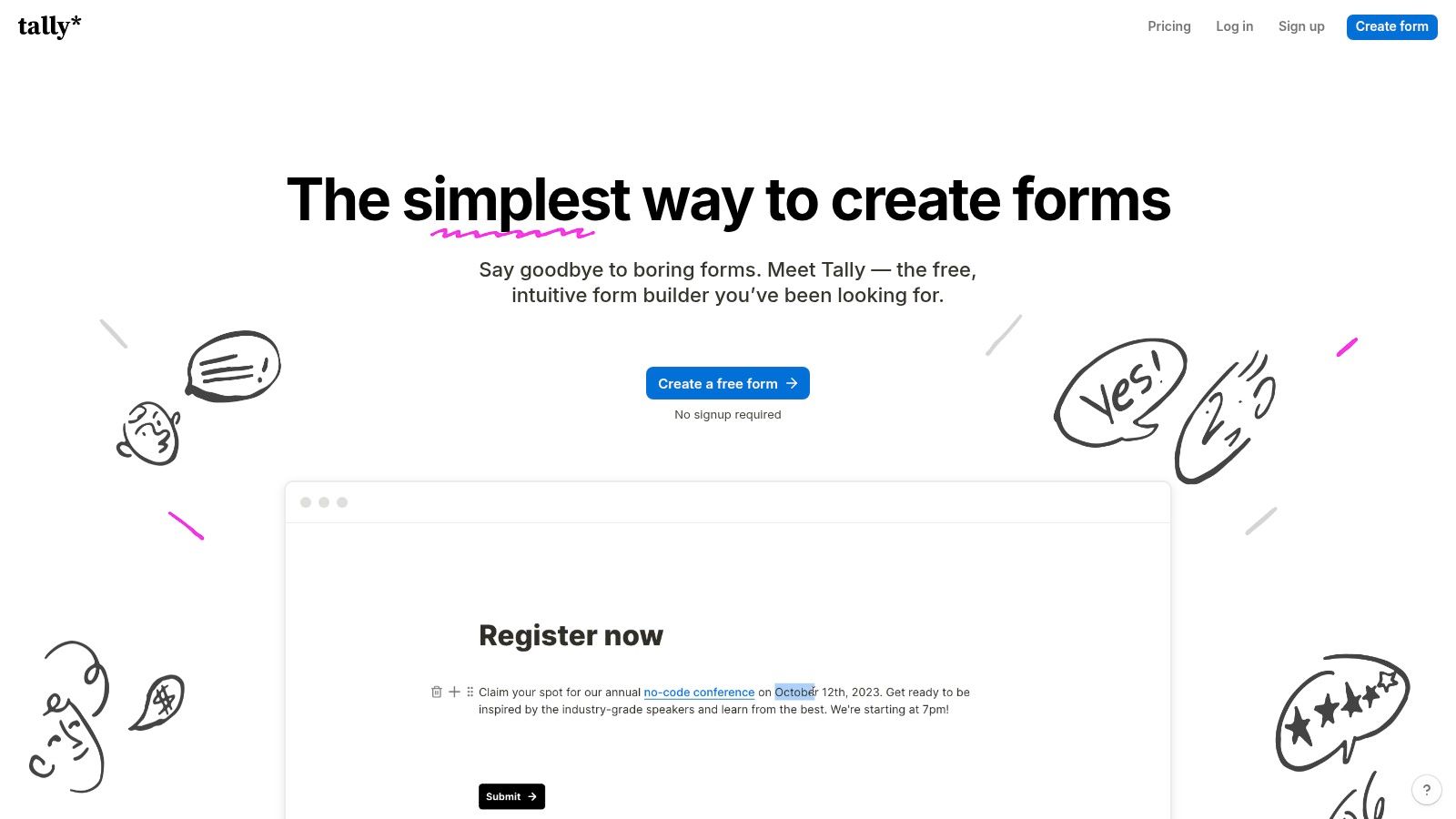
The platform stands out by offering nearly all its core features, including unlimited forms and submissions, for free. This makes it one of the best online form builders for those who want powerful functionality without the immediate financial commitment, democratizing access to professional-grade data collection.
Key Features & Ideal Use Cases
Tally excels at simplicity without sacrificing power. It supports advanced logic, calculations, file uploads, and payment collection, all within its intuitive document-style editor. This makes it highly versatile for a range of needs from simple contact forms to complex registration processes.
Best For: Startups, solo creators, small businesses, and teams looking for a cost-effective yet powerful form builder with strong Notion/Airtable integration.
Integrations: Native connections with Notion, Airtable, and Google Sheets, plus broad automation possibilities via Zapier, Make, and webhooks.
Unique Offering: The free plan is unmatched, offering unlimited forms and submissions (within a fair use policy), a feature typically reserved for expensive paid tiers on other platforms.
Pricing & Limitations
Free Plan: Includes almost all features, such as unlimited forms, submissions, calculations, and conditional logic.
Paid Plans: The Tally Pro plan starts at $29/month, adding features like custom domains, removal of Tally branding, and team collaboration workspaces.
The primary limitation for some businesses is that Tally is EU-hosted, which might not meet specific US data residency requirements. As a smaller vendor, it also has fewer of the enterprise-grade governance and security features found in larger platforms.
Website: https://tally.so
11. WPForms (WordPress plugin)
For businesses operating on WordPress, WPForms is the go-to native solution for creating powerful forms without relying on a third-party SaaS platform. As a dedicated plugin, it integrates seamlessly into the WordPress dashboard, offering a familiar drag-and-drop interface that makes form building accessible to users of all skill levels. This approach ensures all submission data remains on your own hosting, giving you complete control and avoiding per-submission limits.
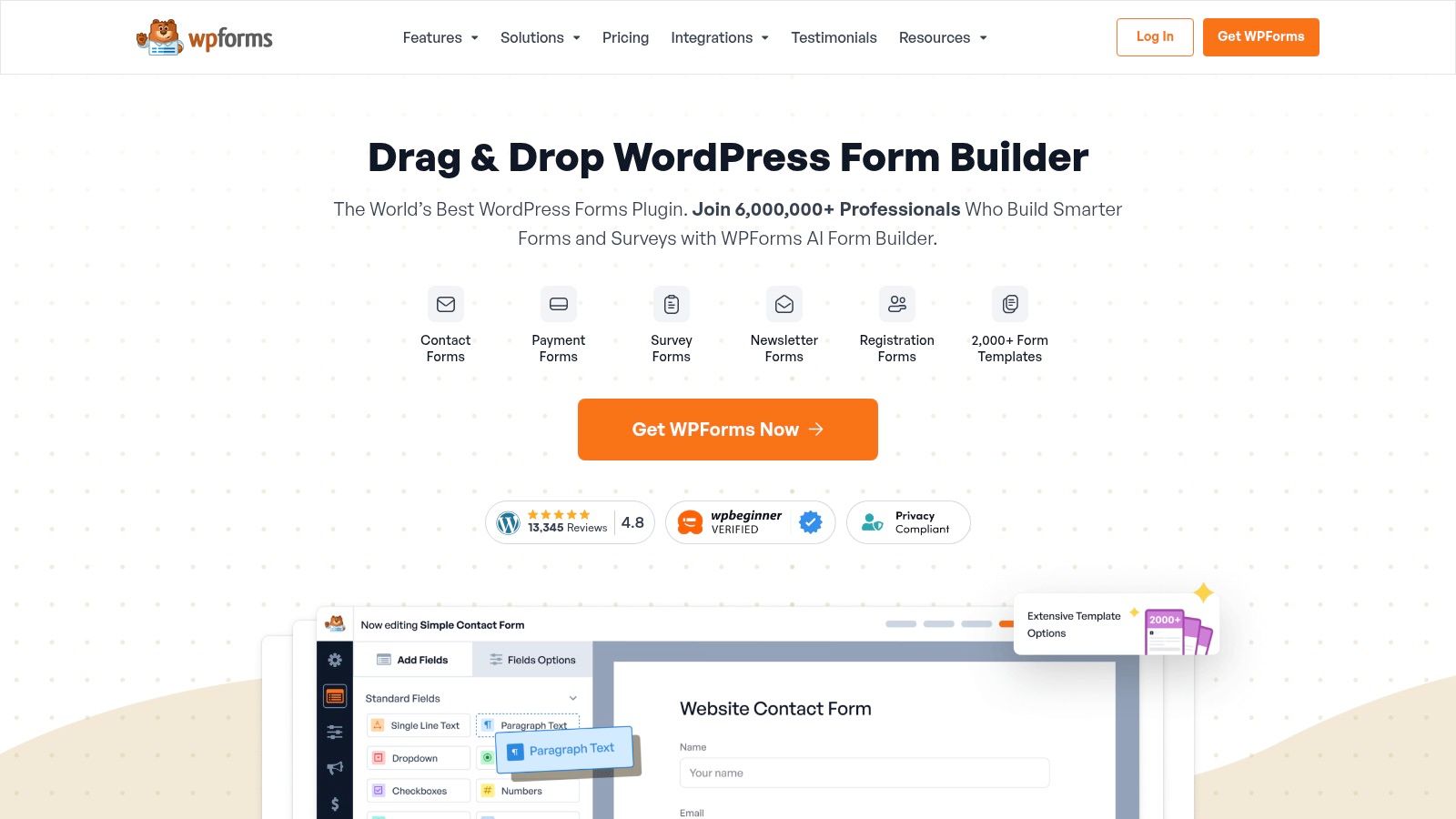
WPForms excels by combining user-friendliness with an extensive feature set available through add-ons. It allows you to create everything from simple contact forms to complex surveys, payment forms, and registration systems directly within your website’s environment, making it one of the best online form builders for WordPress-centric workflows.
Key Features & Ideal Use Cases
The plugin’s strength lies in its vast ecosystem of add-ons that unlock advanced functionality. With features for payment processing, user registration, and marketing automation, WPForms can serve as a central data collection hub for small businesses and agencies alike. Its templates provide a solid foundation for various needs, such as a basic contact form template.
Best For: WordPress site owners, agencies, and SMBs needing native forms for lead generation, e-commerce, and surveys.
Integrations: Connects directly to popular email marketing services, CRMs, and payment gateways like Stripe, Square, and PayPal.
Unique Offering: Its native WordPress architecture provides unmatched control over data and eliminates dependency on external platform limits.
Pricing & Limitations
Free Plan: A free version (WPForms Lite) is available with basic form fields and features.
Paid Plans: Start at $49.50/year for the Basic plan, scaling to Pro and Elite tiers that unlock payment integrations, conversational forms, and other premium add-ons.
The primary limitation is its dependency on the WordPress platform, making it unsuitable for non-WordPress sites. Additionally, many of the most powerful features, like surveys and signatures, require upgrading to more expensive Pro or Elite licenses.
Website: https://wpforms.com
12. HubSpot Forms (Marketing Hub)
HubSpot's Form Builder isn't just a tool; it's a core component of its powerful CRM and Marketing Hub ecosystem. Designed for businesses that want their data collection efforts tightly integrated with their sales and marketing workflows, it transforms simple forms into powerful lead generation and customer data engines. Its primary advantage is that every submission is automatically captured in the HubSpot CRM, providing a unified view of each contact's journey.
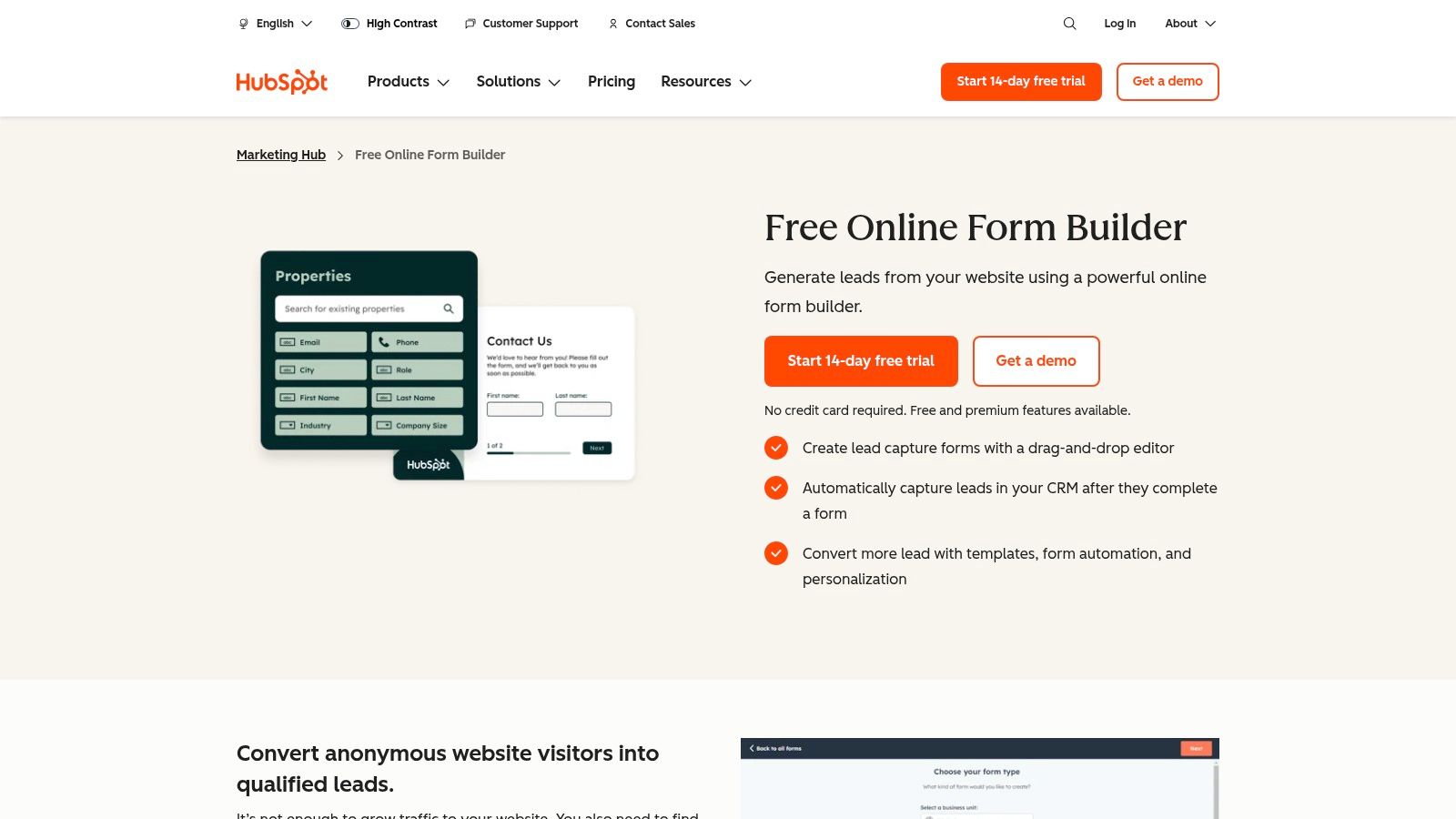
This native integration allows for sophisticated automation, attribution reporting, and personalization directly from the platform. Instead of merely collecting information, HubSpot Forms actively uses it to trigger email nurtures, notify sales reps, and segment audiences for targeted campaigns, making it one of the best online form builders for marketing-focused teams.
Key Features & Ideal Use Cases
HubSpot Forms excels at connecting data points to create a seamless customer experience. On higher tiers, features like progressive profiling and conditional logic allow you to intelligently shorten forms for returning visitors by only asking for new information, which significantly improves conversion rates.
Best For: Lead generation, sales inquiries, webinar registrations, and content downloads.
Integrations: Natively integrated with the entire HubSpot suite. When considering this platform, it's also worth exploring the wide array of available HubSpot integrations to enhance your marketing efforts.
Unique Offering: The tight CRM connection is unparalleled. For inspiration on structuring your forms, review these lead capture form templates.
Pricing & Limitations
Free Plan: A generous free plan includes the form builder along with HubSpot's free CRM, email marketing, and landing page tools.
Paid Plans: Paid features are bundled within the Marketing Hub plans, starting at $18/month (billed annually), which unlock automation, advanced logic, and higher contact limits.
The main limitation is that the platform can be overkill if you only need a standalone form without the attached CRM and marketing suite. Costs can also scale quickly as your contact list and team size grow.
Website: https://www.hubspot.com/products/marketing/forms
Top 12 Online Form Builders Comparison
| Tool | Key features ✨ | UX & Quality ★ | Pricing & Value 💰 | Target audience 👥 | Notes 🏆 |
|---|---|---|---|---|---|
| Formbot 🏆 | ✨ AI-generated chat/guided/classic forms; 100+ templates; real-time analytics | ★★★★☆ (mobile-first; higher completion) | 💰 Free start; paid tiers (pricing not public) | 👥 Marketers, growth, UX/product, HR, SMBs | 🏆 Recommended — conversational, privacy-built |
| Typeform | ✨ Conversational one‑question flows; 300+ integrations; brand kit | ★★★★★ (polished, on‑brand) | 💰 Tiered; response limits; AI on higher plans | 👥 Marketing & design teams | Great for branded surveys |
| Jotform | ✨ Drag‑drop, payments, e‑sign, PDFs, approvals | ★★★★☆ (feature‑rich; templates) | 💰 Generous free tier (branding/limits) | 👥 SMBs, agencies needing workflows | Large template library; 24/7 support |
| Google Forms | ✨ Sheets export, quizzes, branching | ★★★☆☆ (simple & reliable) | 💰 Free with Google account/Workspace | 👥 Individuals, Workspace teams | Fast setup; excellent Sheets integration |
| Microsoft Forms | ✨ Excel export, Teams/SharePoint integration | ★★★☆☆ (functional for M365 users) | 💰 Included with Microsoft 365 / free personal | 👥 Microsoft 365 orgs, educators | Seamless 365 collaboration |
| Formstack | ✨ Workflows, approvals, Salesforce & HIPAA options | ★★★★☆ (enterprise-grade) | 💰 Higher entry price; enterprise tiers | 👥 Regulated industries, enterprises | Strong compliance & automation |
| Wufoo | ✨ Drag‑drop builder, payments, reports | ★★★☆☆ (straightforward; dated UI) | 💰 Low starting price; scales with tiers | 👥 Beginners, small teams | Good starter option at low cost |
| Paperform | ✨ Document-style pages; deep calculations; payments | ★★★★☆ (highly brandable) | 💰 Mid-tier; focused on branding & commerce | 👥 E‑commerce, quote/order forms | Excellent for quotes and brand pages |
| Cognito Forms | ✨ Unlimited forms, payments, workflows, strong quotas | ★★★★☆ (good capacity/value) | 💰 Strong price-to-capacity; transparent add‑ons | 👥 SMBs needing scalable quotas | Good for heavy-entry use cases |
| Tally | ✨ Markdown-like builder; unlimited free (fair use); integrations | ★★★★☆ (modern & simple) | 💰 Exceptional free plan; Pro removes branding | 👥 Creators, startups, Notion/Airtable users | EU-hosted; great free value |
| WPForms | ✨ WordPress-native builder, payments, automation | ★★★★☆ (native WP control) | 💰 Plugin tiers (Pro/Elite) | 👥 WordPress sites, agencies | Keeps data on your hosting |
| HubSpot Forms | ✨ CRM‑tied forms, progressive profiling, automation | ★★★★☆ (best within HubSpot) | 💰 Free basics; costs scale with Marketing Hub | 👥 Sales/marketing teams using HubSpot | Deep CRM & attribution integration |
Making Your Final Choice: Which Form Builder Is Right for You?
We've explored a dozen of the best online form builders available today, from comprehensive powerhouses like Formstack and Jotform to sleek, modern tools like Typeform and Paperform. The journey through features, pricing, and use cases reveals one crucial truth: the “best” tool is entirely dependent on your specific goals, existing tech stack, and the experience you want to create for your users.
Choosing the right platform is more than just picking a data collection tool; it's a strategic decision that impacts conversion rates, user satisfaction, and internal efficiency. A clunky, poorly designed form can deter a potential lead, frustrate a customer seeking support, or discourage a top-tier job applicant. Conversely, a seamless, intuitive form can significantly improve business outcomes.
Recapping the Top Contenders
Let's distill our findings into a quick-reference summary to guide your final decision:
For Maximum Engagement & Conversions: Formbot stands out with its AI-driven, conversational approach. Its ability to create chatbot-like forms that guide users through questions makes it ideal for lead generation, customer feedback, and any scenario where completion rates are paramount, especially on mobile devices.
For Unmatched Design & Branding: Typeform continues to be a leader for creating visually stunning, one-question-at-a-time forms. If your brand’s aesthetic and a polished user experience are top priorities for marketing campaigns or surveys, Typeform is a fantastic choice.
For Ultimate Versatility & Power: Jotform is the Swiss Army knife of form builders. With an enormous template library, extensive integrations, and advanced features like conditional logic and payment processing, it can handle nearly any task you throw at it, from simple contact forms to complex application processes.
For Budget-Conscious Users & Startups: Tally offers a surprisingly powerful free tier with unlimited forms and submissions, making it the best starting point for those with limited budgets. Google Forms and Microsoft Forms are also excellent free options if you are already embedded in their respective ecosystems.
Actionable Steps for Selecting Your Form Builder
Now that you have the information, how do you make the final call? Follow these steps to ensure you choose a tool that will serve you well long-term.
Define Your Primary Use Case: Are you building marketing quizzes, HR application forms, or complex internal workflows? Your primary goal dictates the features you need. A marketer needs strong analytics and CRM integrations (like HubSpot Forms), while an HR team needs file upload capabilities and workflow automation (like Formstack).
Evaluate Your Technical Resources: Consider who will be building and managing the forms. If it’s a non-technical team member, a user-friendly, drag-and-drop interface like Wufoo or Paperform is essential. If you have development resources, a tool with more customization options or a WordPress-specific solution like WPForms might be a better fit.
Audit Your Existing Software Stack: The best online form builders integrate seamlessly with the tools you already use. Map out your CRM, email marketing platform, project management software, and payment gateways. Check the integration libraries of your top contenders to ensure they can create a cohesive, automated workflow without manual data entry.
Test the User Experience (UX): Don't just look at the feature list; sign up for a free trial and experience the form-building process firsthand. More importantly, test the end-user experience on both desktop and mobile devices. A form that looks great on a large screen might be frustrating to complete on a phone. This is where tools prioritizing a mobile-first, conversational flow truly shine.
The right online form builder is a powerful asset that streamlines data collection, enhances user interactions, and provides actionable insights. It’s the bridge between you and your audience. By carefully considering your specific needs and leveraging the insights from this guide, you can select a platform that not only meets your requirements but also helps you achieve your business objectives more effectively.
Ready to see how a modern, conversational approach can transform your data collection and boost completion rates? Formbot uses an AI-powered, chat-like interface to make filling out forms feel like a natural conversation, delighting users and delivering better results. Start building smarter, more engaging forms for free today by visiting Formbot.